> For the complete documentation index, see [llms.txt](https://missiveapp.com/docs/llms.txt). Markdown versions of documentation pages are available by appending `.md` to page URLs; this page is available as [Markdown](https://missiveapp.com/docs/advanced-features/command-bar/using-the-command-bar.md).
# Actions
Master the command bar: keyboard shortcuts and quick commands.
## Search
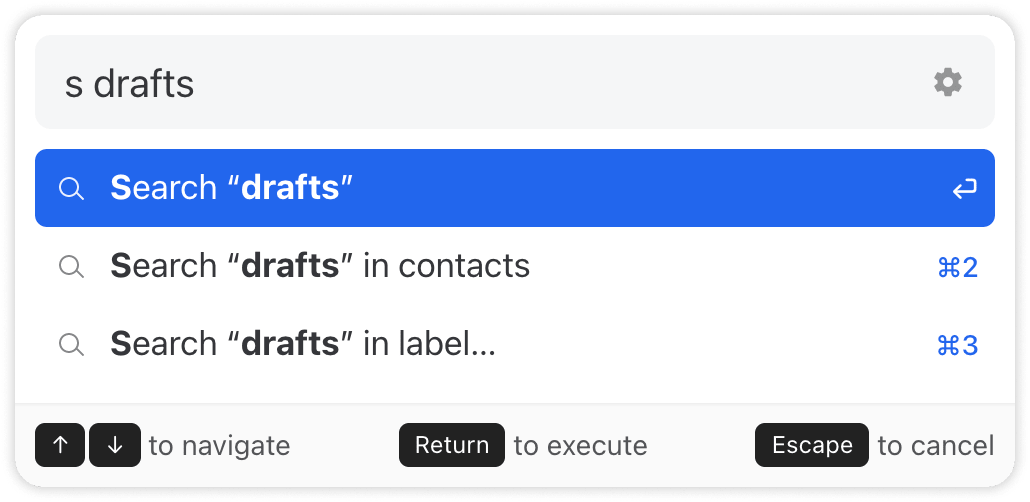
You can use the following patterns to initiate a search: searchsearcsearseases {query}. As seen below, you can search in all of your messages, in your contacts or in the messages inside a specific label.
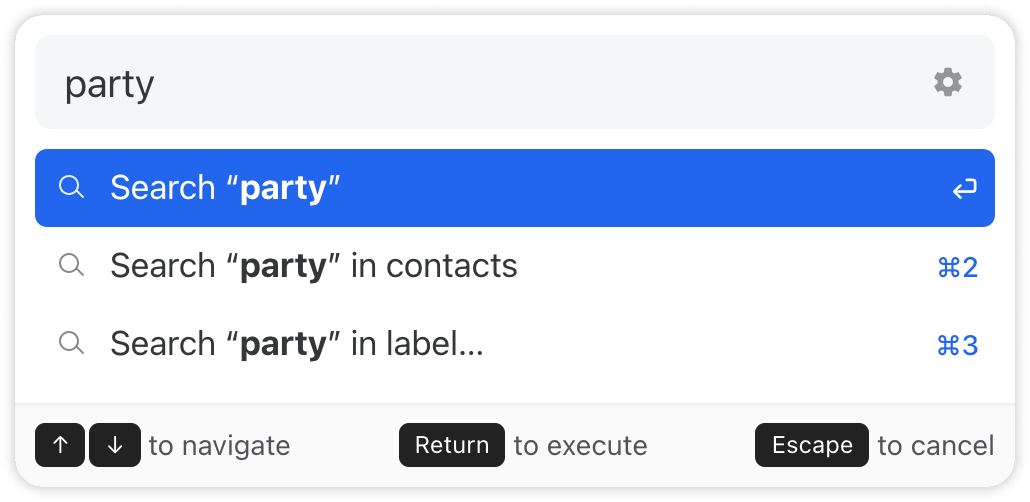
If your input doesn’t match an action, the Command Bar suggests searching for it instead.
## Navigation
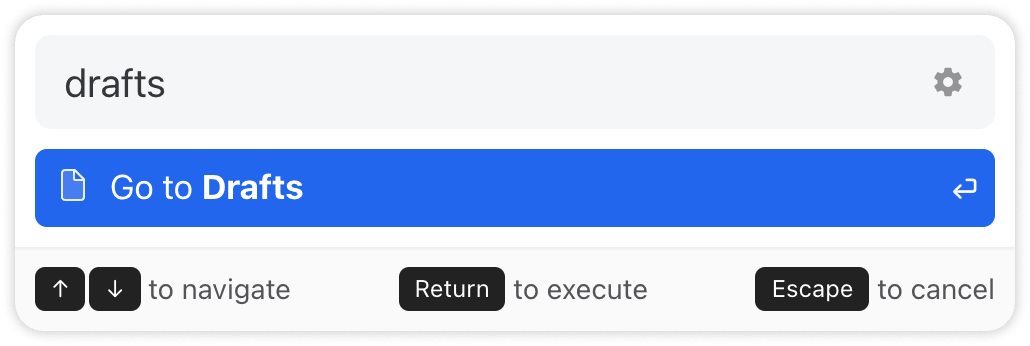
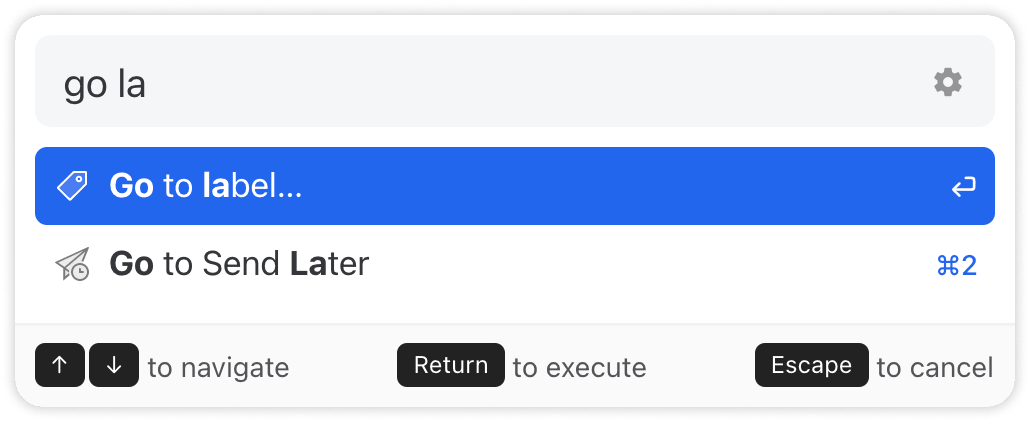
For navigation, you can use the keywords go to and open.
## Assignment
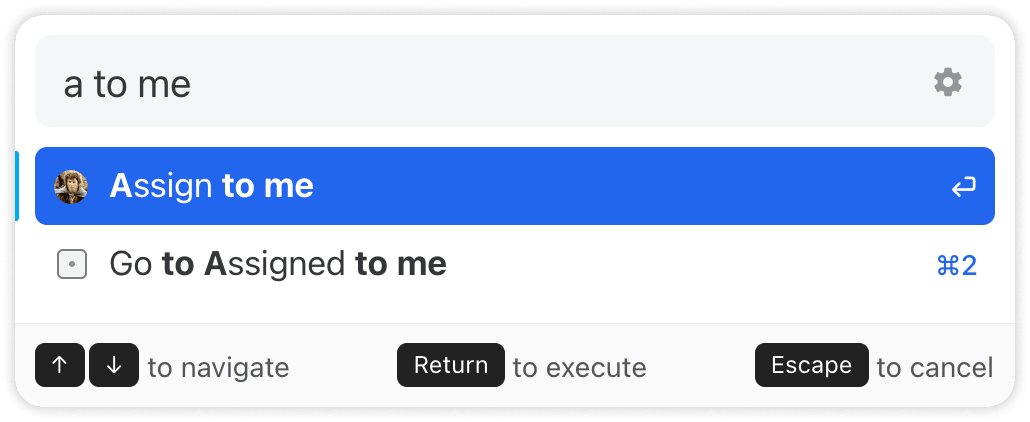
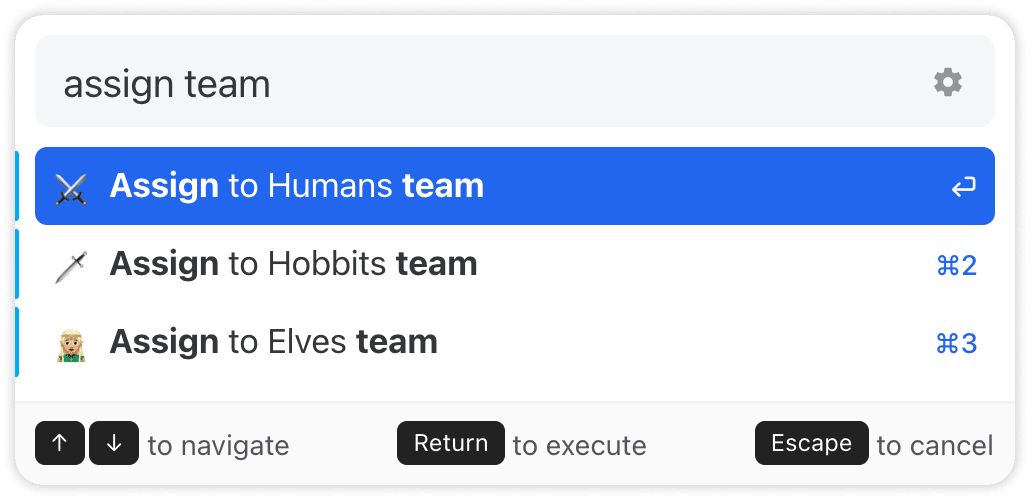
For assignment, you can use the keywords assign, unassign, add, and remove.
## Integrations
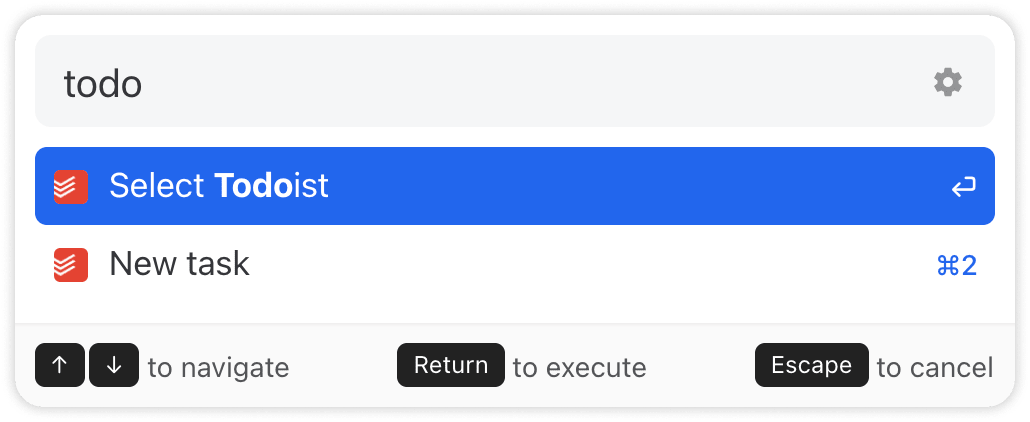
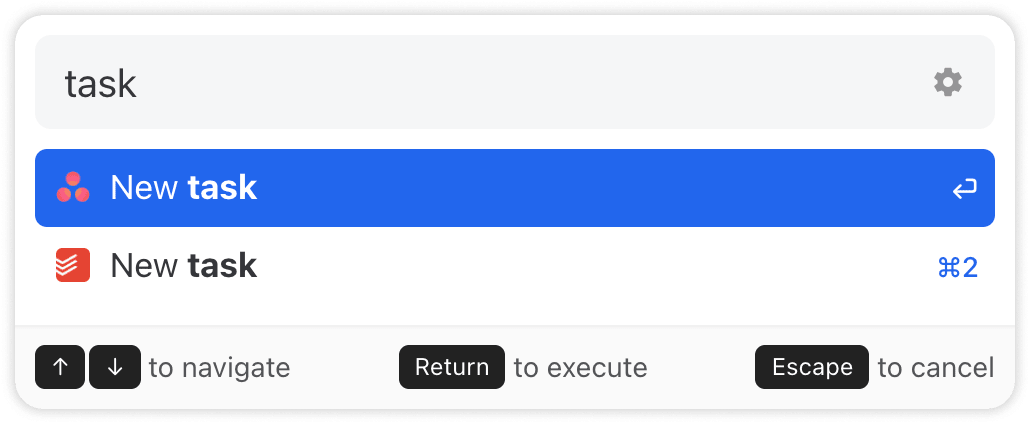
Most integrations offer custom actions. For example, both Todoist and Asana offer a `New Task` action, as shown below.
{% hint style="info" %}
The Giphy integration + Command Bar combo is really awesome for quickly adding a little bit of humor 🌶️ to your chat conversations: ⌘/Ctrl + E, then type `gif`.
{% endhint %}
## App & conversation actions
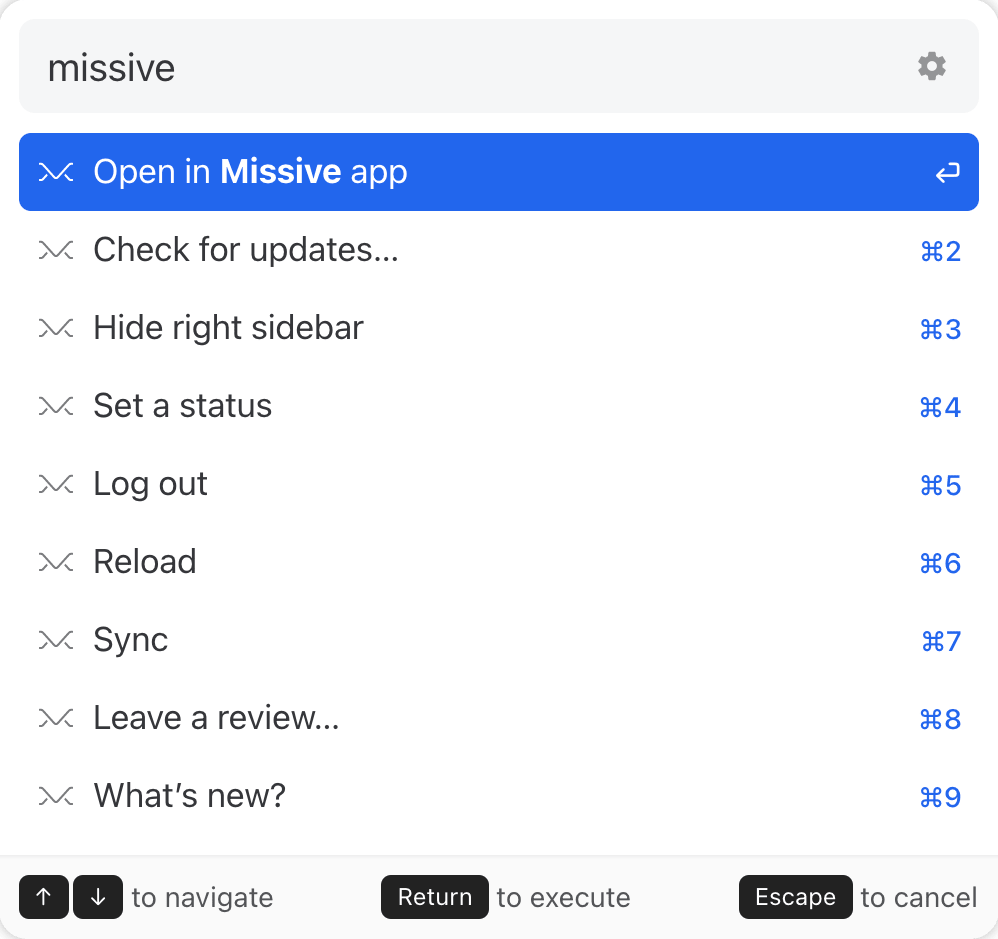
To list all app actions, type missive, or directly search for the action word you would like to execute, such as log out.
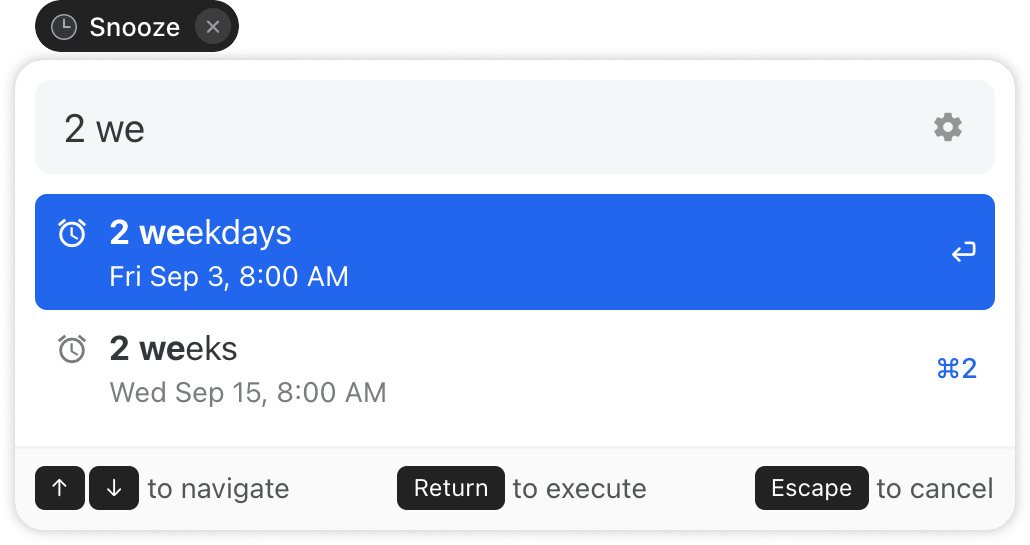
This guide doesn't list all possible actions. However, all buttons you find in Missive can be accessed through the Command Bar. For instance, below with see the **Snooze** action mode:
## Conclusion
In summary, the Command Bar is a powerful tool that consolidates all actions into one place. By customizing and mastering its use, you can significantly enhance your productivity. Keep practicing and make the most out of this feature. Happy navigating!
---
# Agent Instructions
This documentation is published with GitBook. GitBook is the documentation platform designed so that both humans and AI agents can read, navigate, and reason over technical content effectively. Learn more at gitbook.com.
## Querying This Documentation
If you need additional information that is not directly available in this page, you can query the documentation dynamically by asking a question.
Perform an HTTP GET request on the current page URL with the `ask` query parameter, and the optional `goal` query parameter:
```
GET https://missiveapp.com/docs/advanced-features/command-bar/using-the-command-bar.md?ask=&goal=
```
`ask` is the immediate question: it should be specific, self-contained, and written in natural language.
`goal` is optional and describes the broader end goal you are ultimately trying to accomplish on behalf of the user. GitBook uses it to tailor the answer towards what is most useful for that goal.
The response will contain a direct answer to the question and relevant excerpts and sources from the documentation.
Use this mechanism when the answer is not explicitly present in the current page, you need clarification or additional context, or you want to retrieve related documentation sections.