> For the complete documentation index, see [llms.txt](https://missiveapp.com/docs/llms.txt). Markdown versions of documentation pages are available by appending `.md` to page URLs; this page is available as [Markdown](https://missiveapp.com/docs/administration/saml-and-sso.md).
# SAML and SSO
Configure SAML single sign-on for enterprise authentication.
Single Sign-On (SSO) allows a business and its employees to log in to various web applications without the need for multiple usernames and passwords.
Missive supports Single Sign-On (SSO) using any SAML-based identity provider (IdP).
{% hint style="info" %}
Single Sign-On can only be enabled by admins and owners of organizations subscribed to the [**Business plan**](https://missiveapp.com/pricing).
{% endhint %}
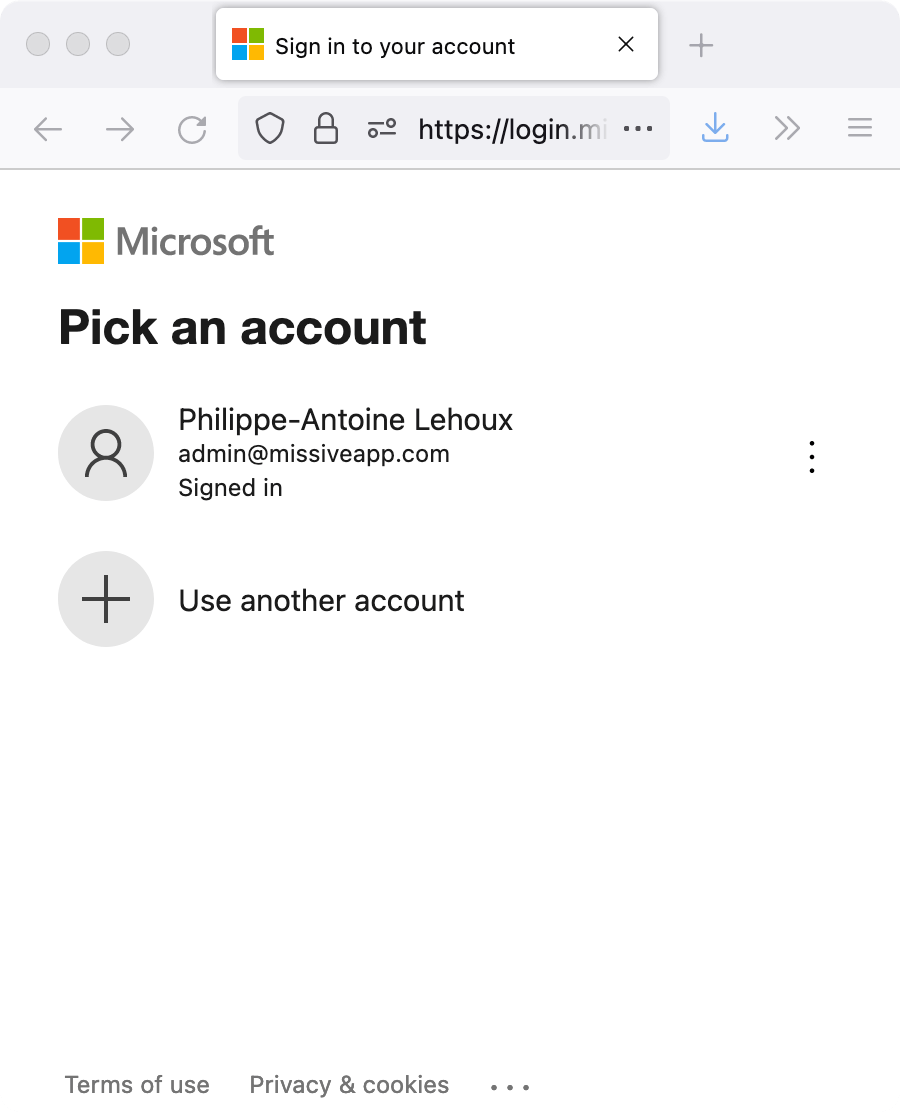
Logging in to Missive with Microsoft Entra ID enabled
Here are setup guides for common identity providers:
* [Microsoft Entra ID (Formerly Azure AD)](/docs/administration/saml-and-sso/configuring-azure-active-directory.md)
* [Configuring SSO with Okta](/docs/administration/saml-and-sso/configuring-okta-single-sign-on.md)
### How to log in to Missive when SSO is enabled?
There are two different methods to log in to Missive when SSO is enabled.
#### Identity provider dashboard
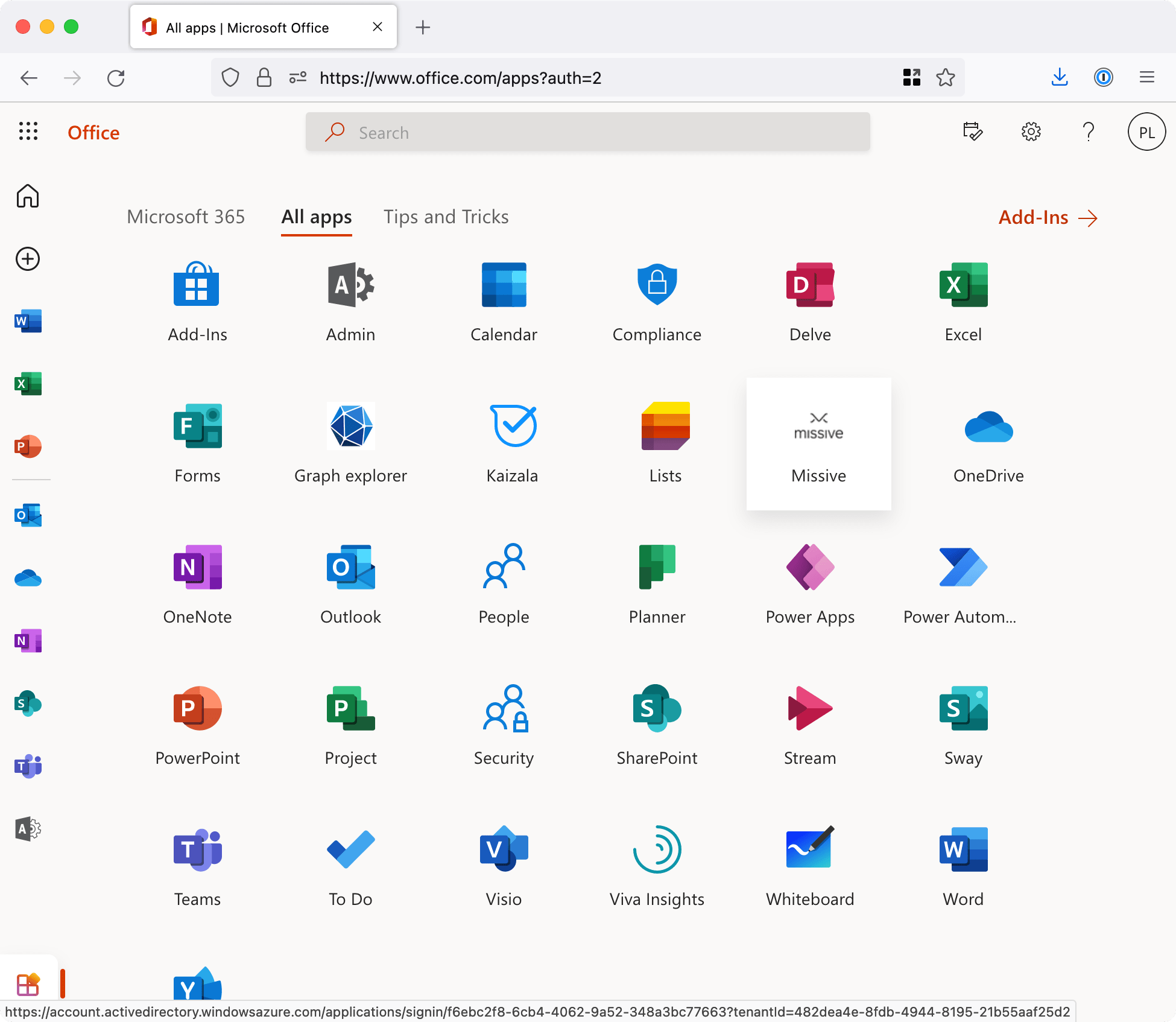
Browse to your identity provider user page, and there, if Missive is set up correctly, you will find a Missive app icon you can click to log in directly.
Log in from your Office 365 dashboard
This method only works for the web version of Missive. Use the next method to log in to Missive on your phone or desktop app.
#### Missive SSO login page
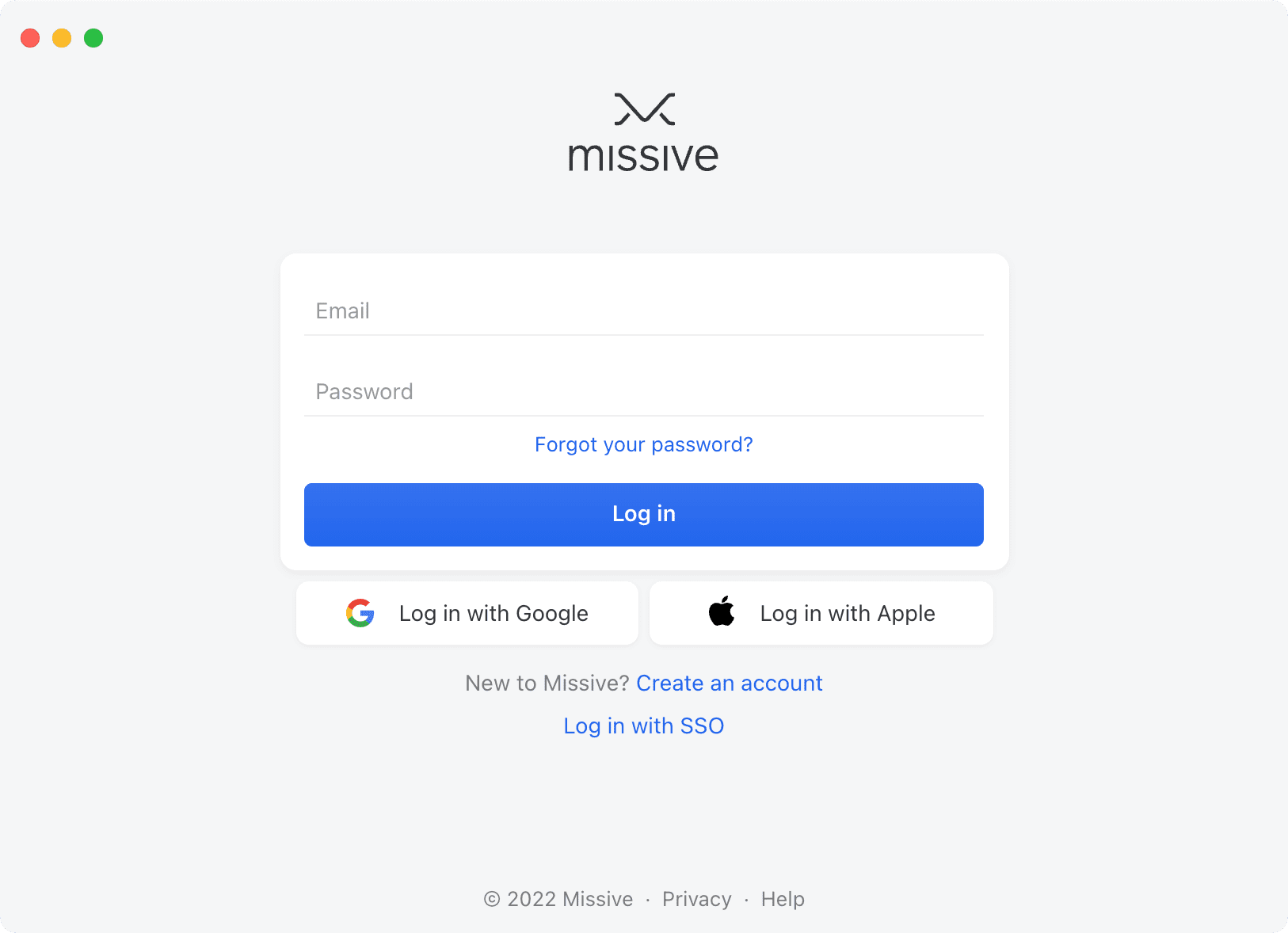
1. On the application login page, select **Login with SSO**.
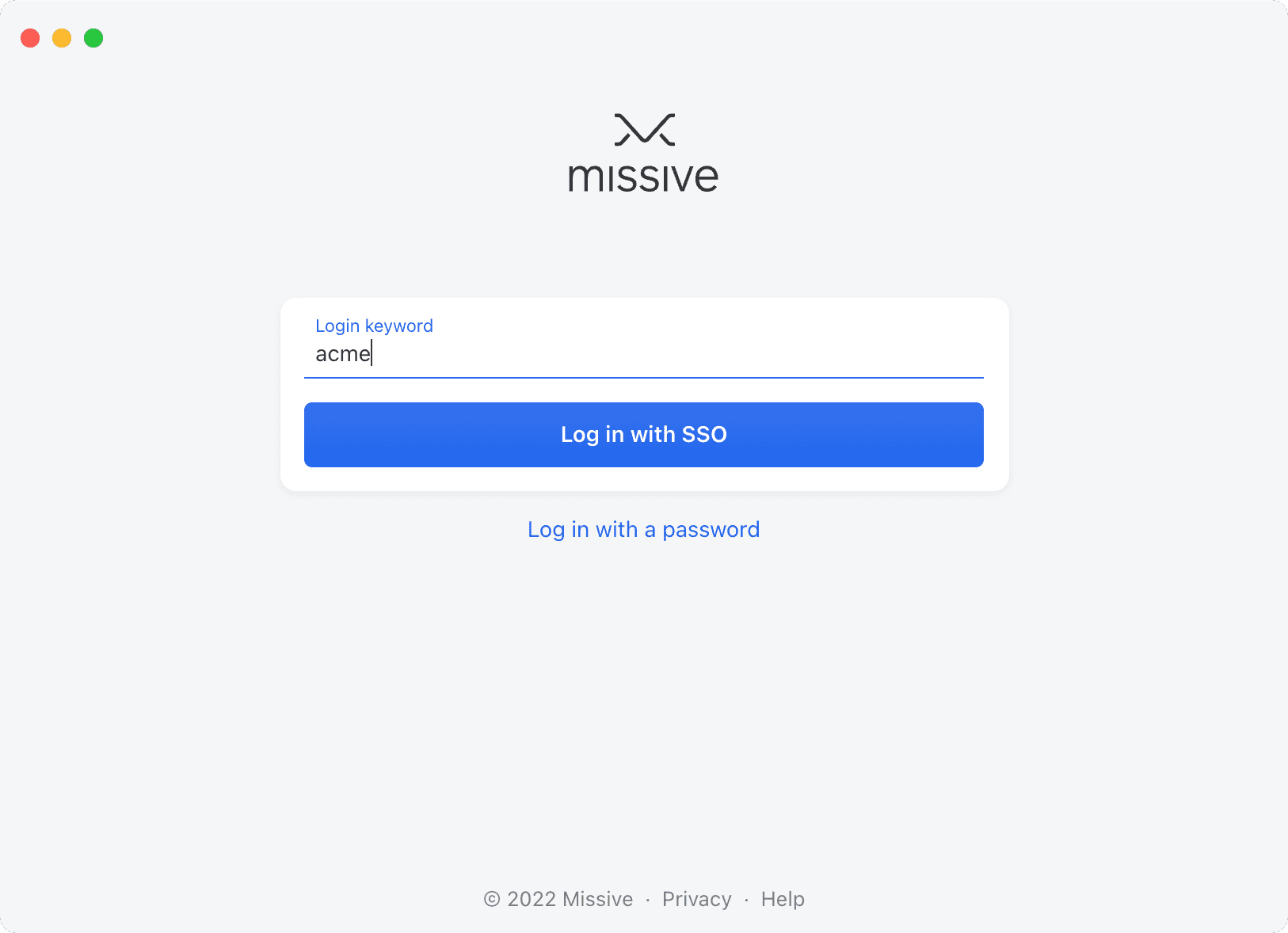
2. Enter your organization’s **Login keyword**; if you don’t know it, ask an admin.
3. In your identity provider authentication window, log in with your username and password, or click your account if you are already logged in.
### Can I enable Single Sign-On just for a few users?
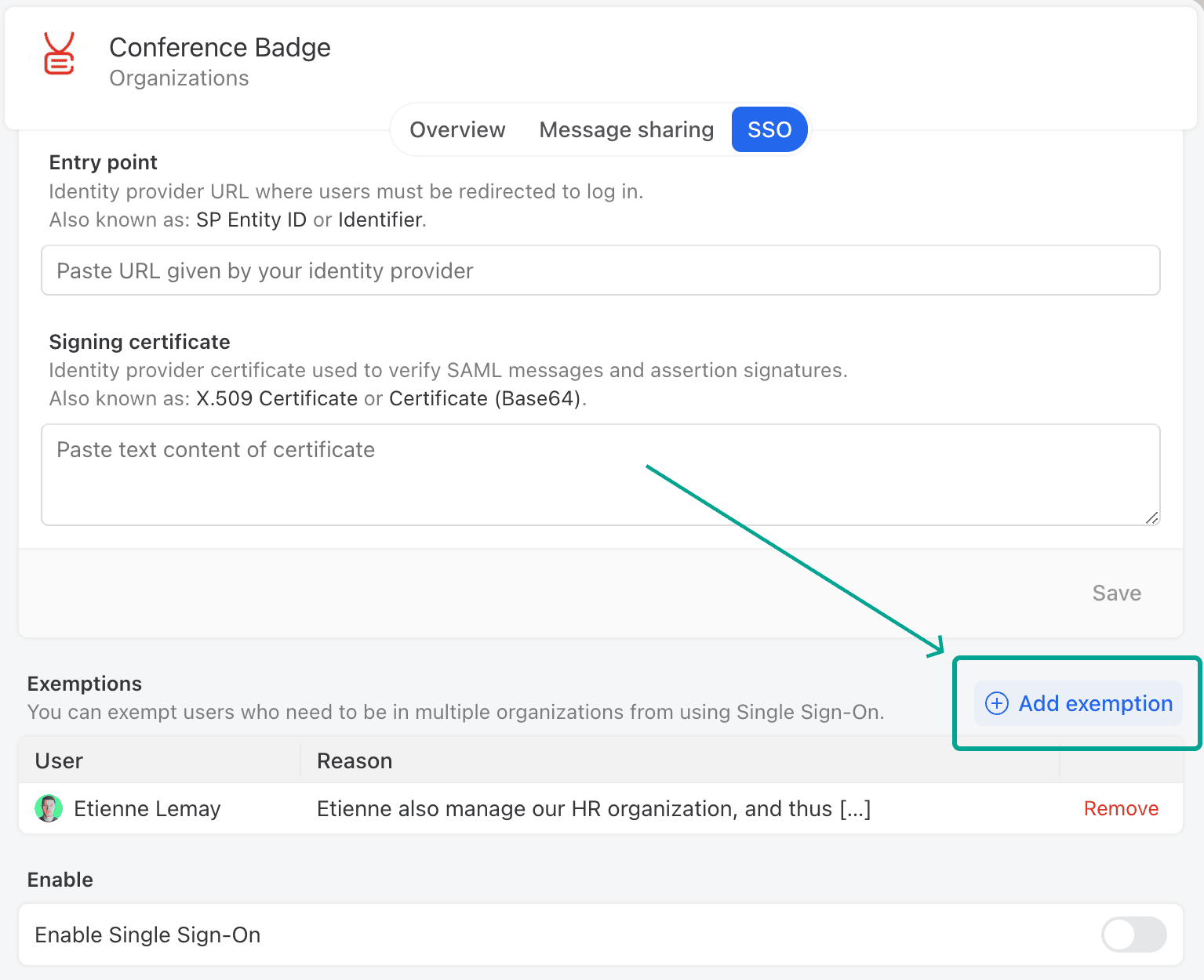
Yes, you can configure SSO for specific users within your organization while allowing others to continue using their username and password for login. This feature is particularly beneficial if certain users need to access multiple organizations. You can do from the SSO tab of your organization settings.
### Can I log in to Missive if Single Sign-On was misconfigured?
No, users cannot log in using their previous username and password once Single Sign-on is enabled. It's essential to test the Single Sign-On setup without logging out of your current session; you should test the login process from a different browser or a private window.
### Does Missive support SCIM provisioning?
No, SCIM (System for Cross-domain Identity Management) provisioning is not currently supported.
---
# Agent Instructions
This documentation is published with GitBook. GitBook is the documentation platform designed so that both humans and AI agents can read, navigate, and reason over technical content effectively. Learn more at gitbook.com.
## Querying This Documentation
If you need additional information that is not directly available in this page, you can query the documentation by asking a question.
Perform an HTTP GET request on the following URL with the `ask` and `goal` query parameters:
```
GET https://missiveapp.com/docs/administration/saml-and-sso.md?ask=&goal=
```
`ask` is the immediate question: it should be specific, self-contained, and written in natural language.
`goal` is what the user is ultimately trying to achieve, the reason they need the answer. Sharing it helps GitBook give you a better, more relevant answer. A goal is most helpful when it describes the outcome the user wants rather than restating the question. For example, with `ask=how do I create an API token`, a goal like `automate deployments from our CI pipeline` lets GitBook tailor the answer to that use case.
The response will contain a direct answer to the question and relevant excerpts and sources from the documentation.
Use this mechanism when the answer is not explicitly present in the current page, you need clarification or additional context, or you want to retrieve related documentation sections.