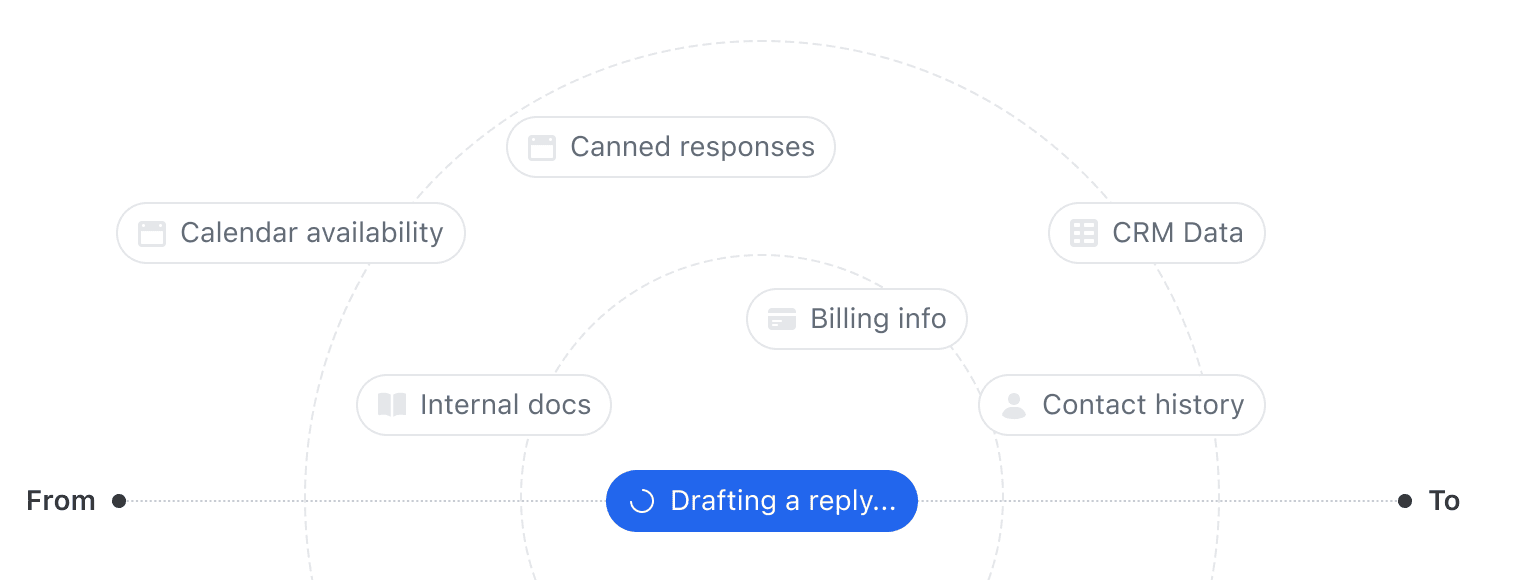
An AI email assistant that actually knows your business
Missive's AI works inside your inbox — reading threads, checking calendars, and drafting replies with full context. Everything in one place.
5000+ companies rely on Missive every day


Missive's AI works inside your inbox — reading threads, checking calendars, and drafting replies with full context. Everything in one place.
5000+ companies rely on Missive every day
They can write a decent email, if you feed them every piece of context yourself. What if the AI could just go get the context on its own? What if it can truly be of assistance?
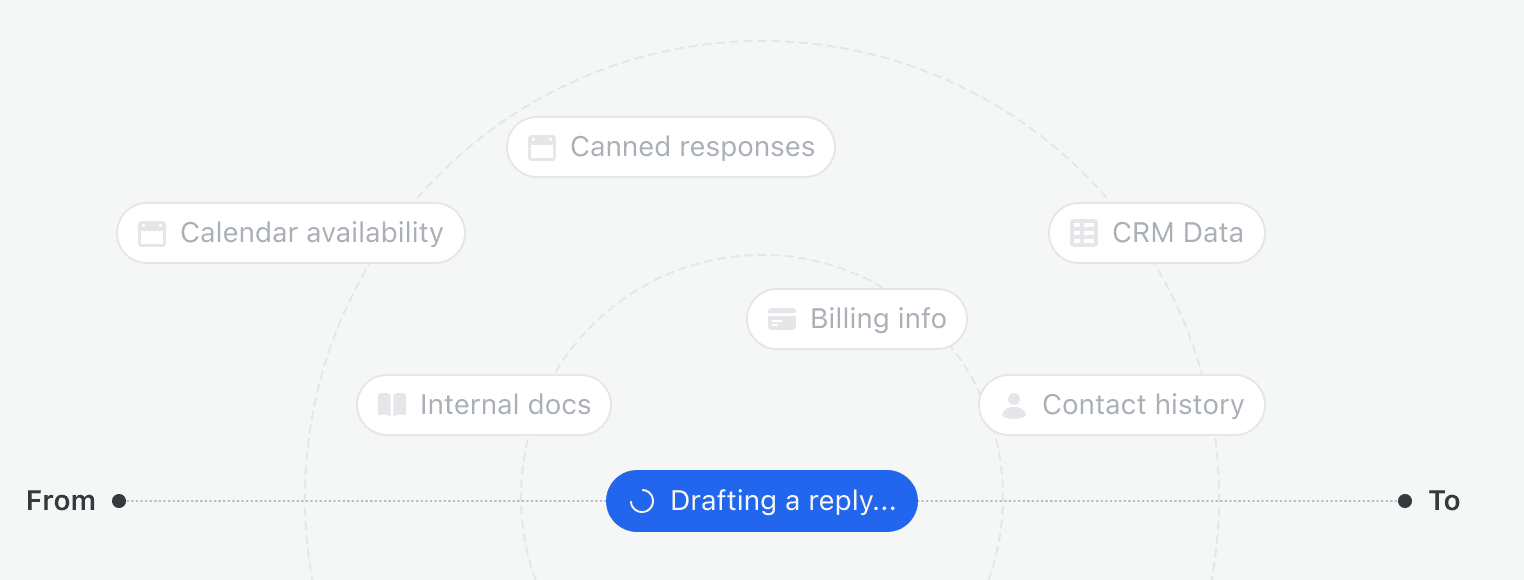
Not another chatbot, a true assistant that saves time
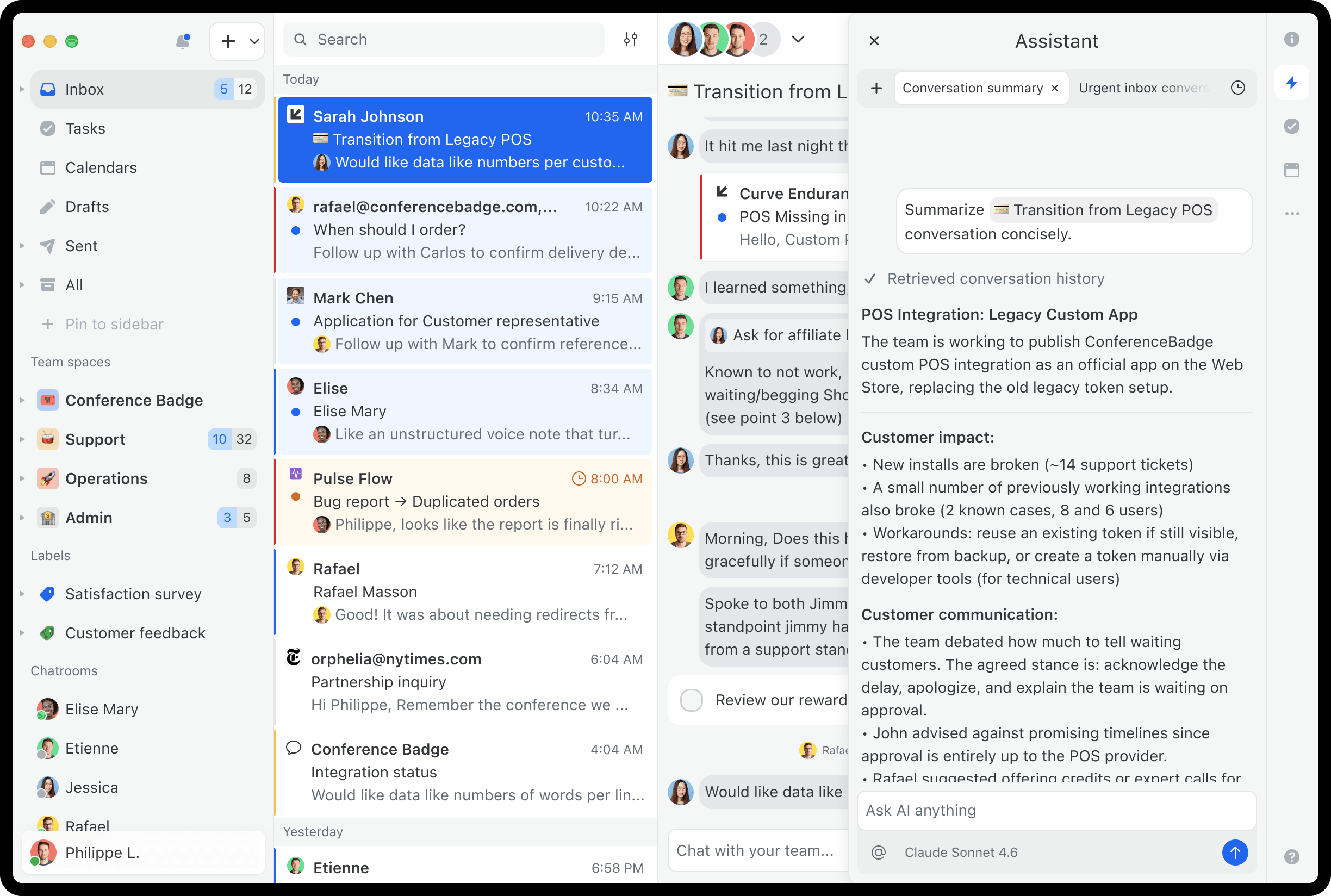
The teammate looped in mid-thread
You are added to a 47-email conversations. Click summarize to get the full picture in seconds.
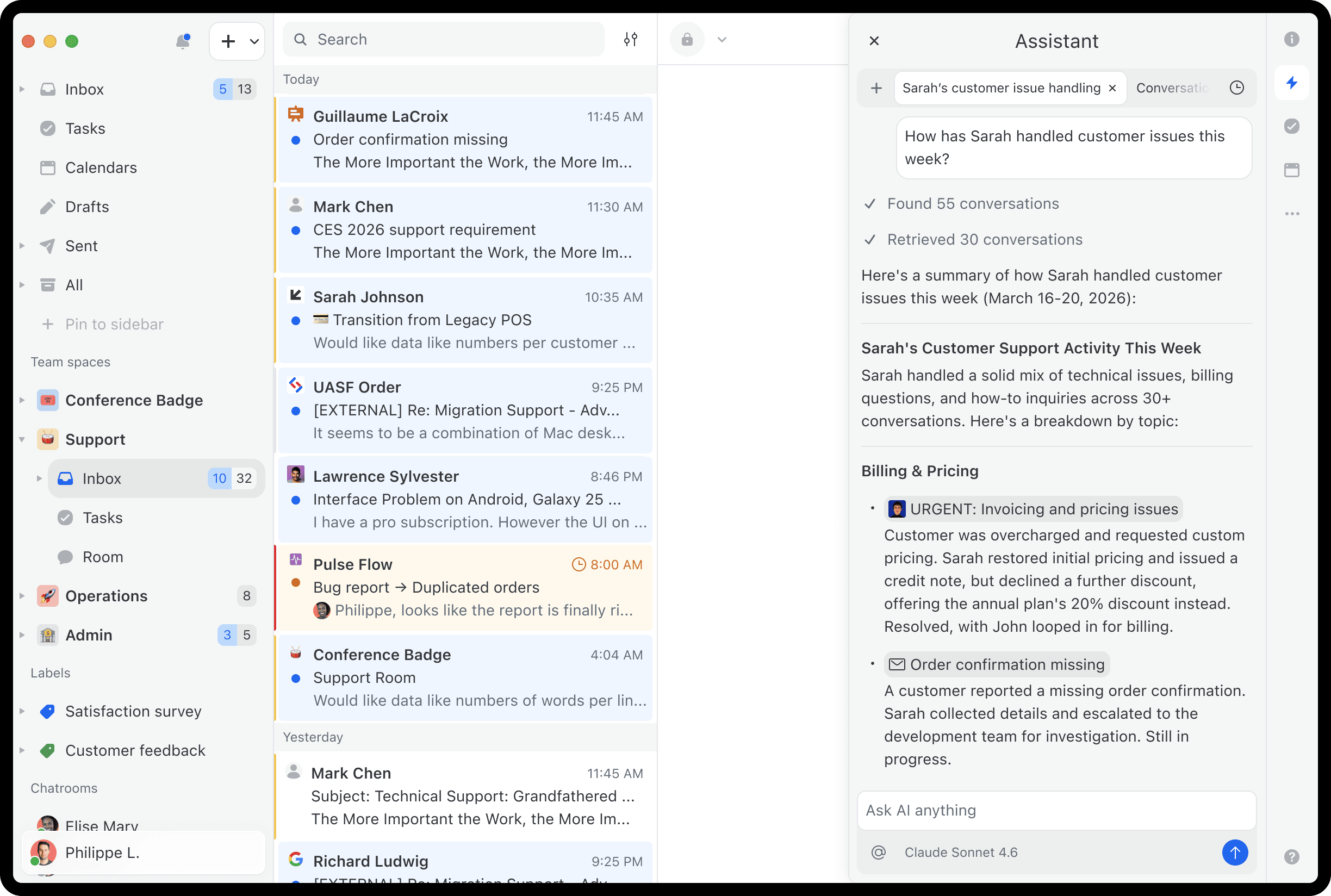
The support lead checking on the team
Ask "how has Sarah handled customer issues this week?" and get a summary in one question.
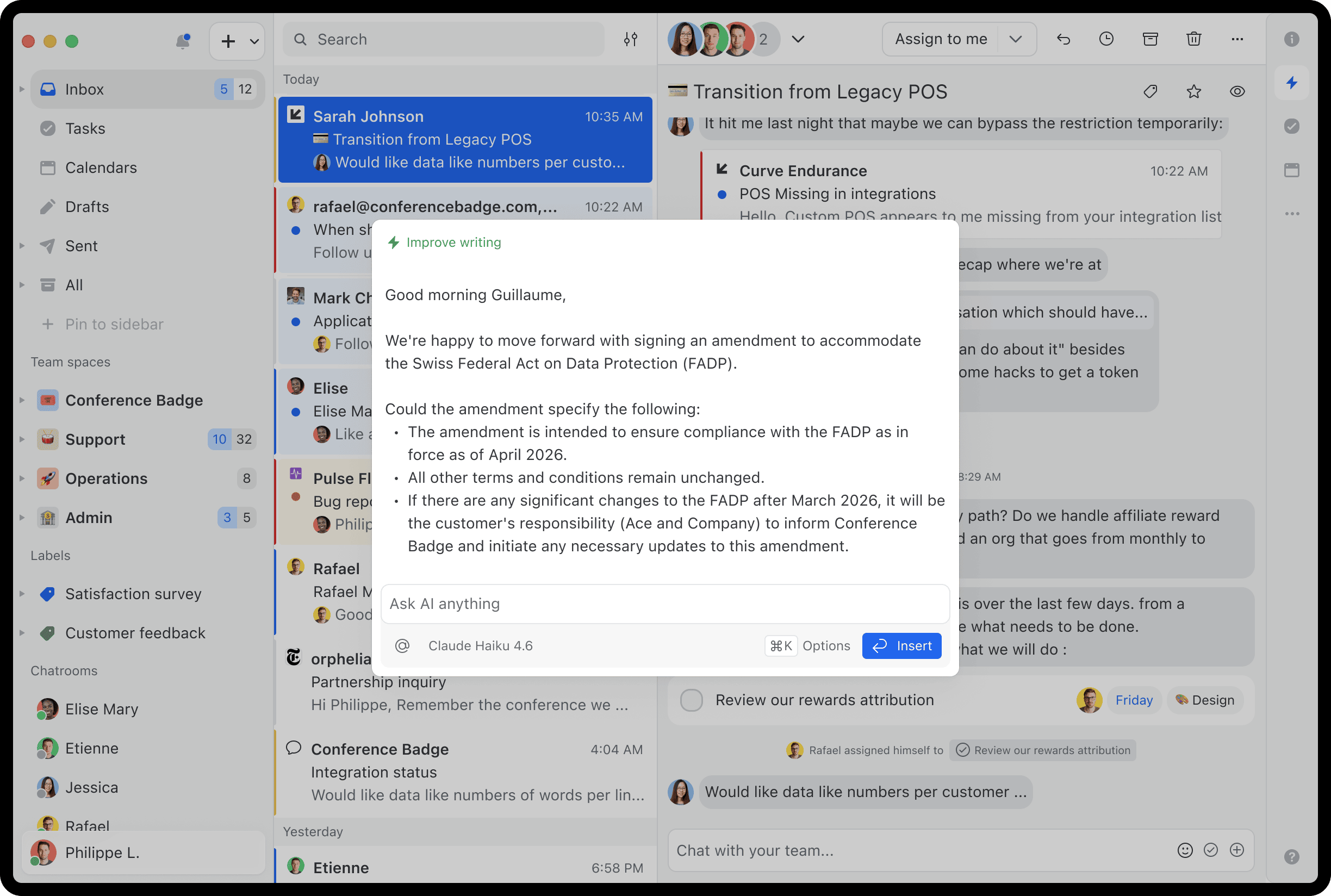
Say no to generic AI replies.
Set org-wide tone and style instructions. Every AI draft follows them, from you or a new hire on day one.
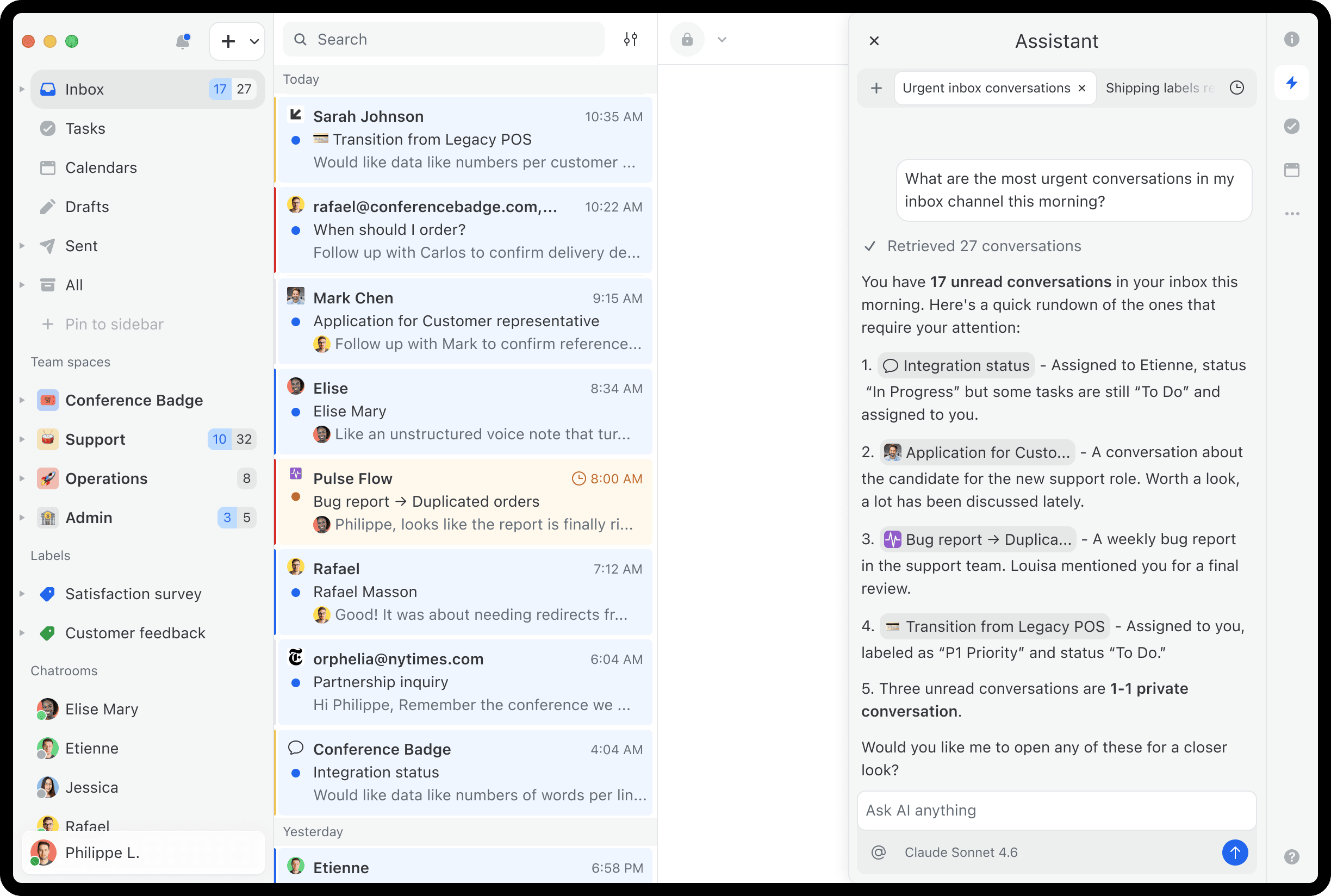
The ops team triaging incoming requests
Ask "any potential new customers this week?" and the assistant surfaces every matching conversation.
Lorem ipsum dolor sit amet, consectetur adipiscing elit. Suspendisse varius enim in eros elementum tristique. Duis cursus, mi quis viverra ornare, eros dolor interdum nulla, ut commodo diam libero vitae erat. Aenean faucibus nibh et justo cursus id rutrum lorem imperdiet. Nunc ut sem vitae risus tristique posuere.
Lorem ipsum dolor sit amet, consectetur adipiscing elit. Suspendisse varius enim in eros elementum tristique. Duis cursus, mi quis viverra ornare, eros dolor interdum nulla, ut commodo diam libero vitae erat. Aenean faucibus nibh et justo cursus id rutrum lorem imperdiet. Nunc ut sem vitae risus tristique posuere.

Search your emails
Ask "what did we quote this client in January?" and the assistant searches across all your connected email accounts.
Check your calendar
Need to suggest meeting times? The assistant reads your calendar, checks for conflicts, and proposes meeting times.
Draft replies in your team's voice
Set instructions for tone and style once, and every AI draft follows them across your whole team.
Find canned responses
The assistant searches your team's template library and uses the right one as a starting point for its draft.
Look up contacts
Ask about a contact and the assistant pulls their name, email, phone, and company from your contact book.
Customize with instructions & prompts
Set tone and style guidelines once, create reusable one-click actions, and they apply to every AI session across your team.

Charles Hudson
·
Managing Partner at Precursor Ventures
Ask the assistant to look up a customer's billing history in Stripe, create a Linear issue from a bug report email, or pull context from a Notion doc or your CRM/TMS, before replying. It all happens in the sidebar, in the same conversation.
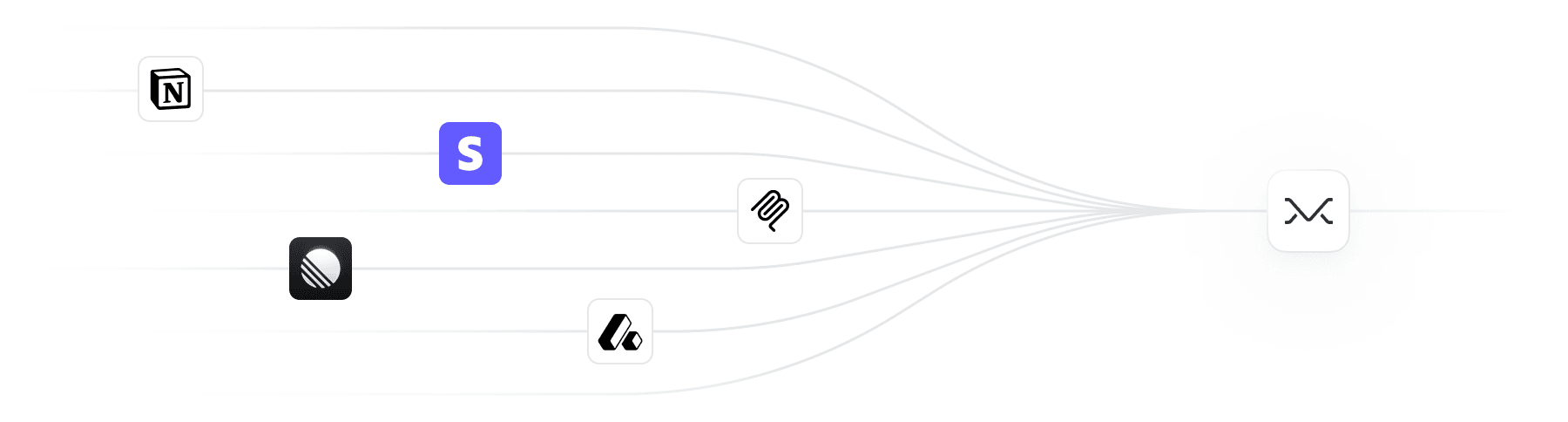
Use Missive AI credits or bring your own API key. OpenAI, Anthropic, and Google supported.
Your choice of provider
Use prepaid Missive AI credits for instant setup, or connect your own API key and pay your provider directly. You decide.
Your data stays yours
Every AI request is routed through your chosen provider. Missive doesn't train on your emails, ever.
Opt out completely
If you don't connect any AI provider, AI features simply don't appear. There's nothing to disable.