Blog →
What we released in 2025

Blog →

by
Philippe Lehoux
January 5, 2026
· Updated on
Each year gives us 365 days to make Missive better for you, our users. I'm excited for 2026 and I'm incredibly proud of what we accomplished in the last 365 days.
Looking back at 2025, we doubled the size of our team and set out to tackle some of the most requested features from our users. We also shipped a handful of improvements that quietly make everyone’s day‑to‑day work in Missive smoother.
Here are some highlights from our favorite releases this year.
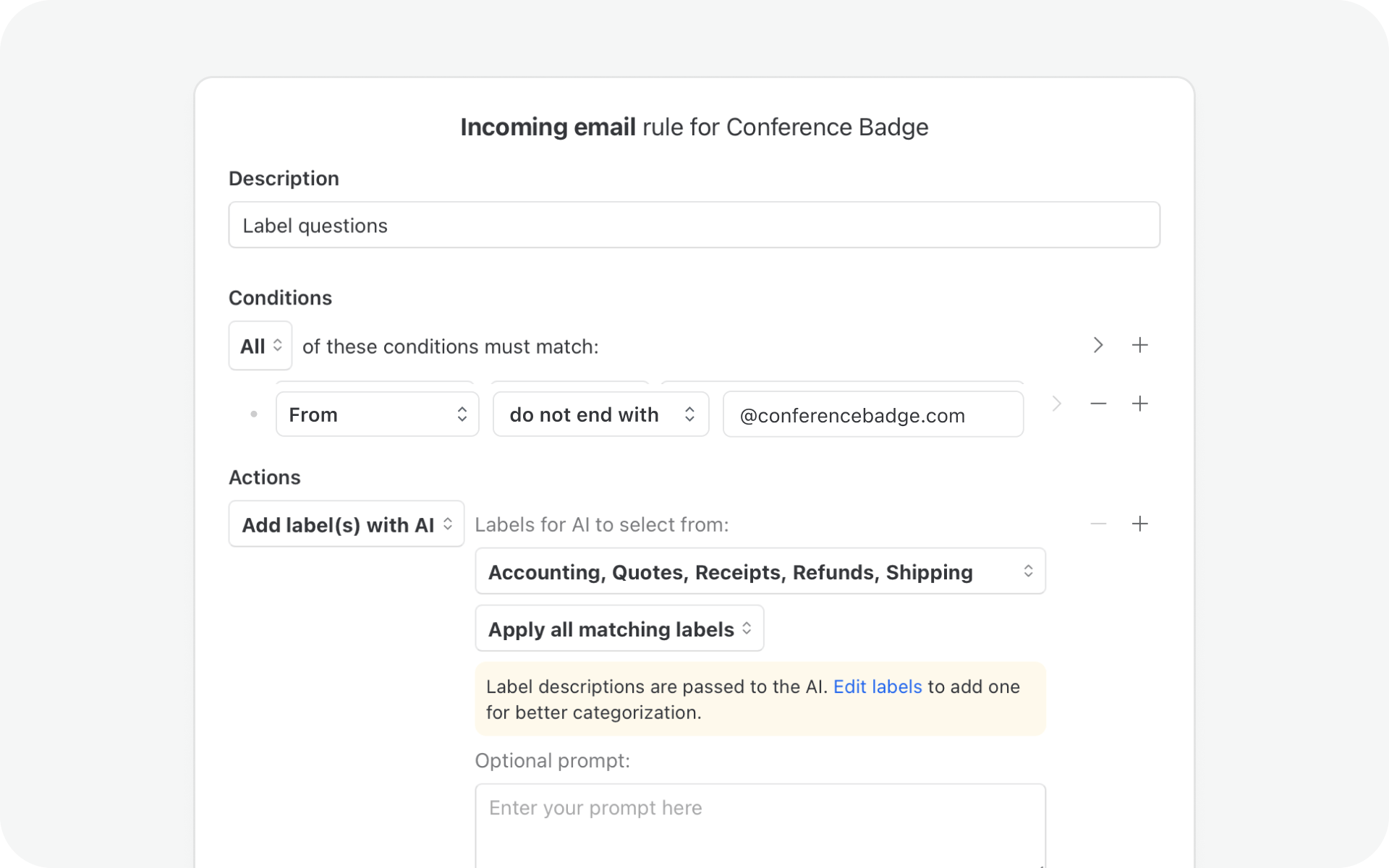
This year we introduced AI-powered rules that let automations understand message content rather than rely on static conditions. We expanded them with multi-channel support, model selection, and practical actions like AI labeling, draft creation, and pre-send checks for outgoing messages, making rules more useful in day-to-day workflows.
Rules also became easier to manage with drag-and-drop editing, support for signatures in rule-generated drafts, and the ability to remove users from conversations automatically.
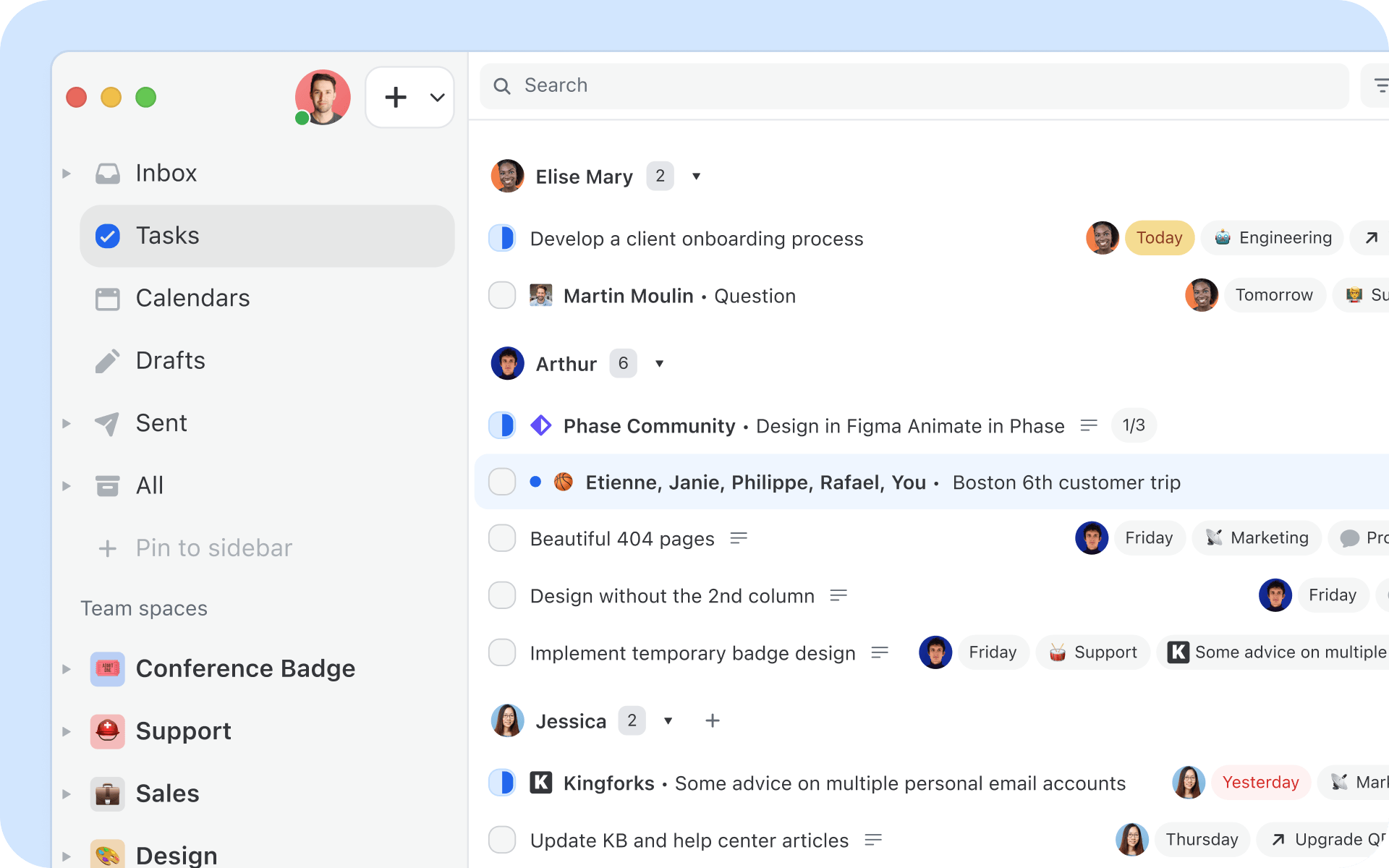
We’ve completely re-imagined how tasks work in Missive. You’ll now find dedicated views that brings together all your tasks into one place.
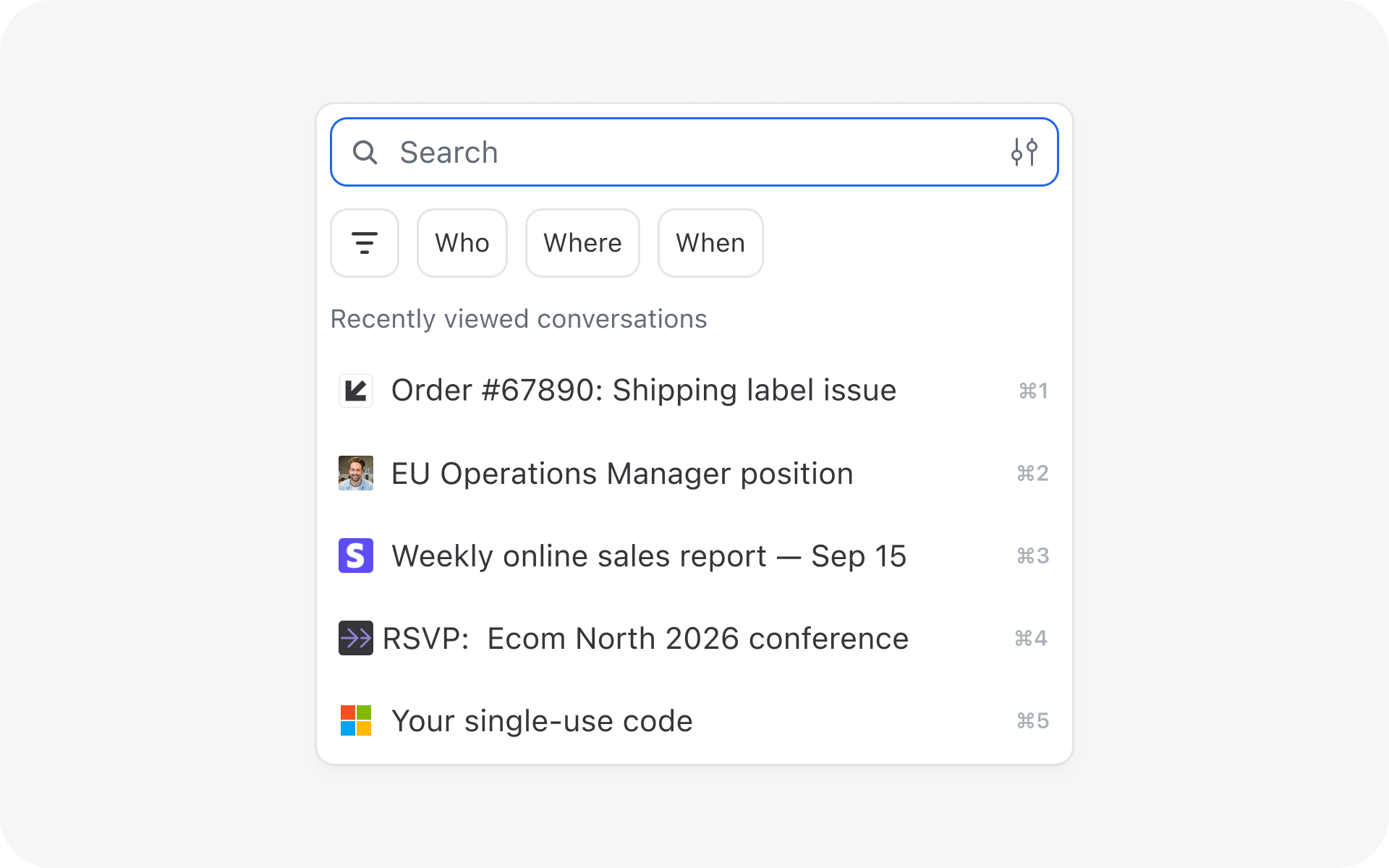
We added search and filter options to make it easier and more efficient to find the information you need. Filters with a specific date range, domain names, only conversations with attachments, etc.

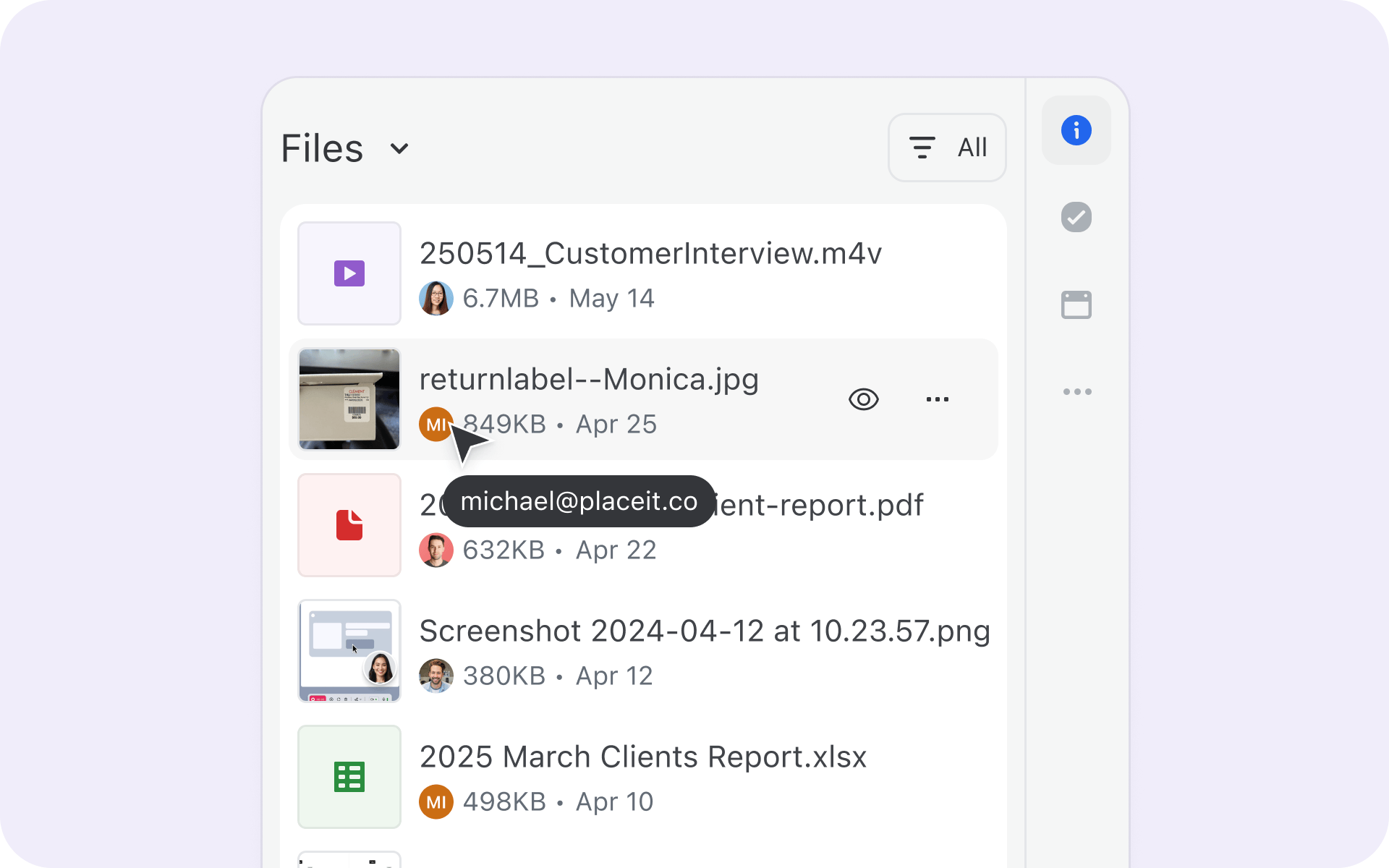
See all files and attachments from any conversation in one unified view. Cleaner thumbnails, category-based organization, and Quick Look with keyboard shortcuts make everyday tasks faster.
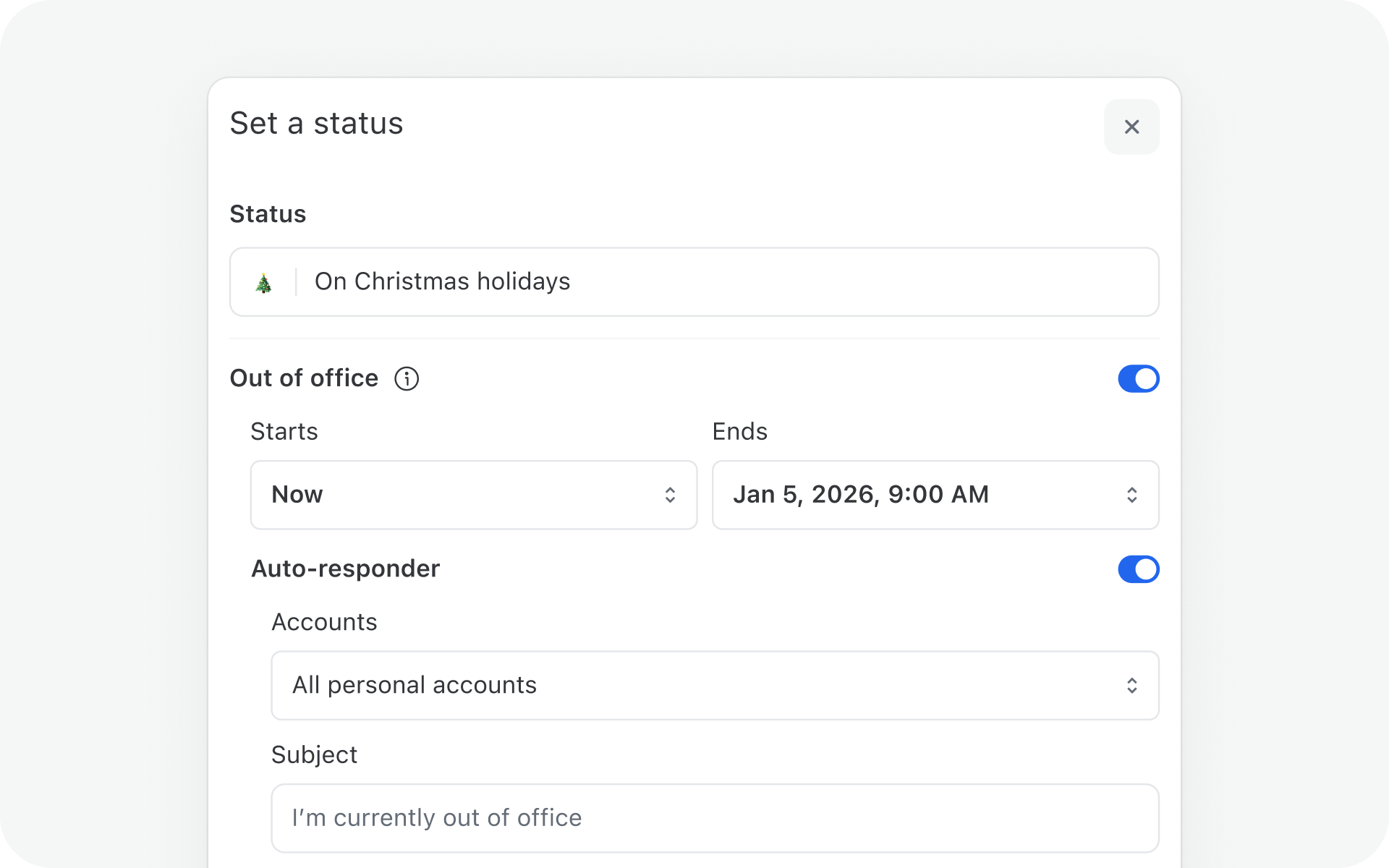
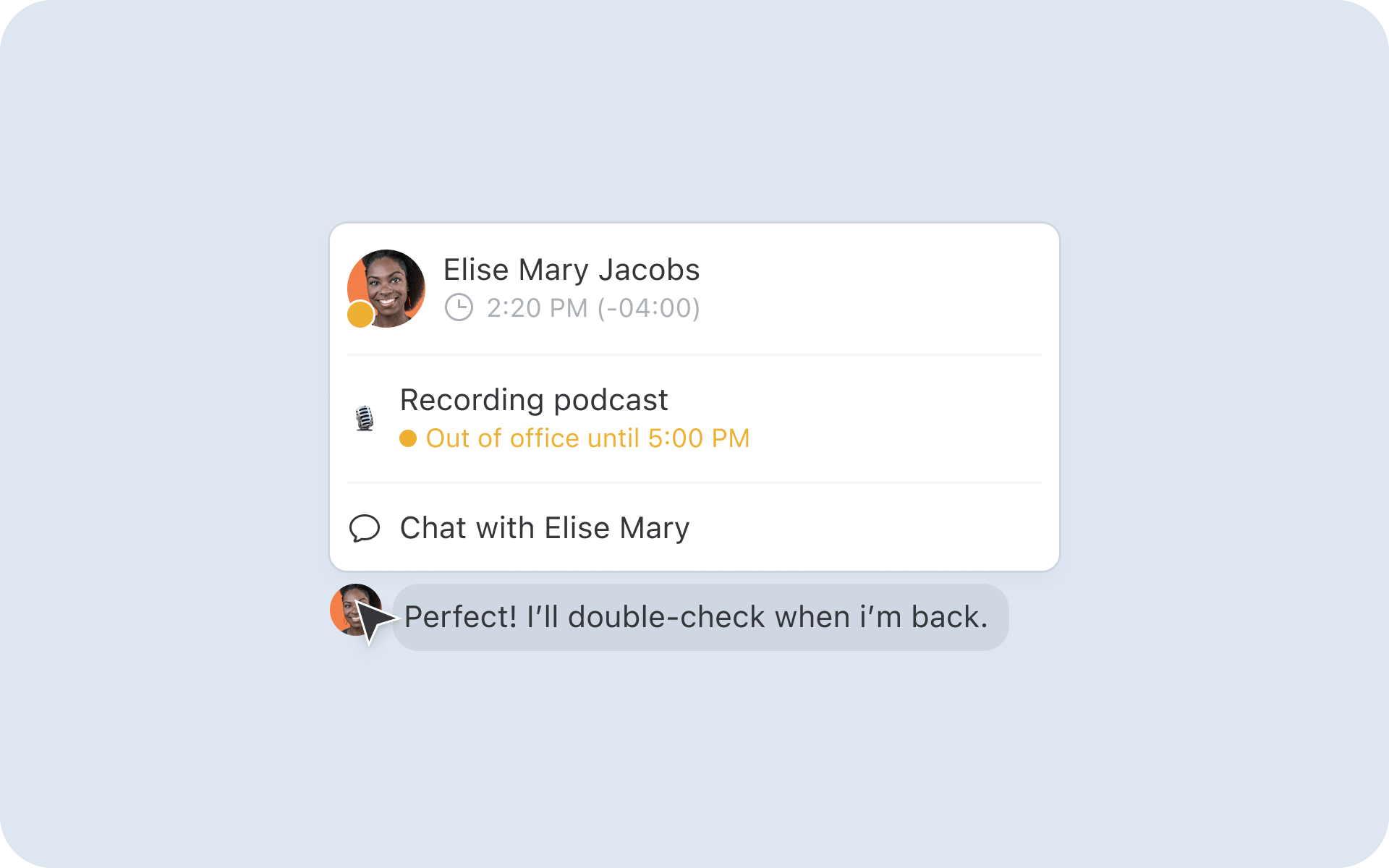
Taking a well-deserved break? You can now set up automatic replies for your personal accounts right from your out of office status, no need for a rule.
No more forwarding long threads or stitching together feedback from different tools. Guest Access lets you bring people outside your organization, like an accountant, contractor, or client—directly into specific Missive conversations.

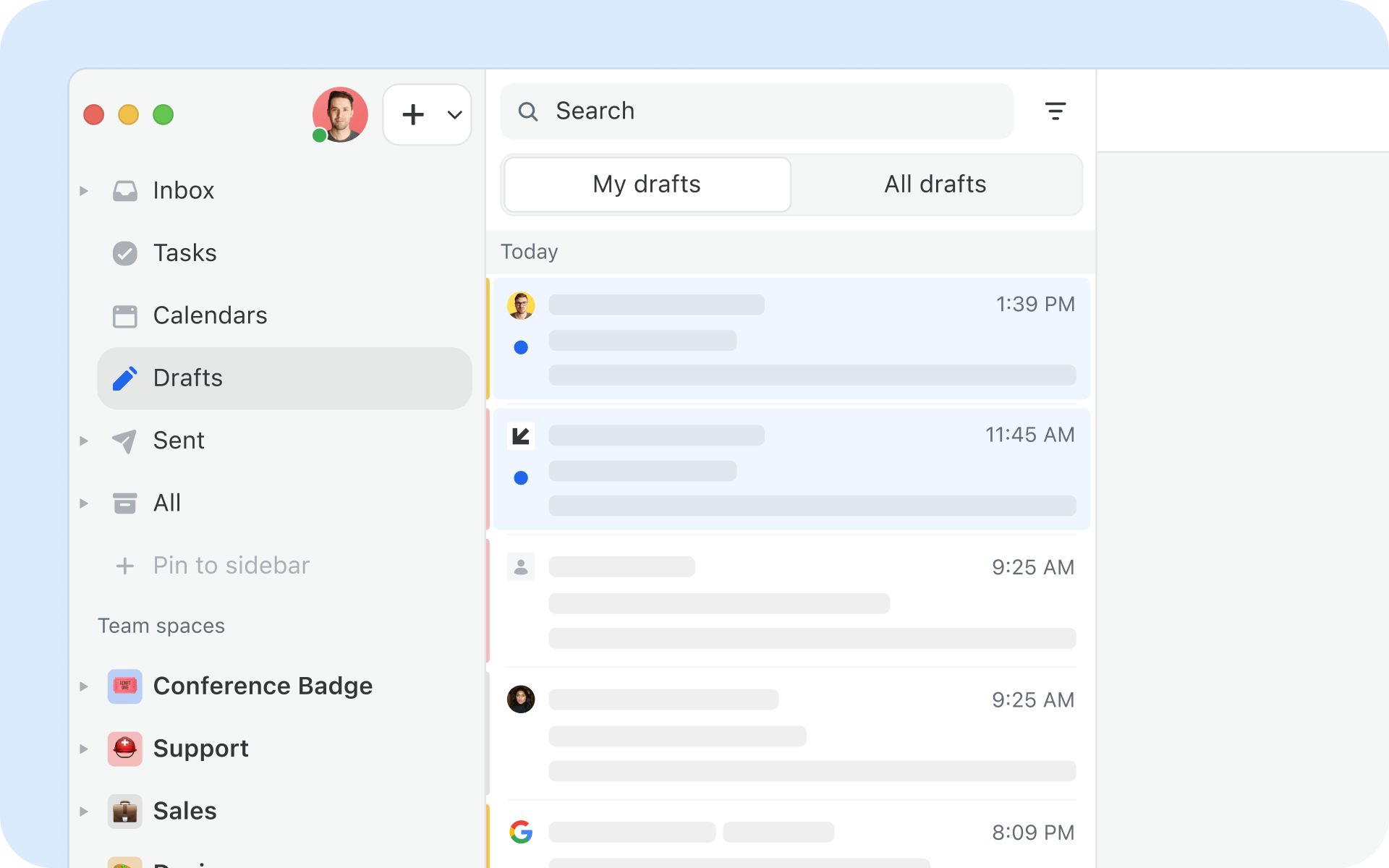
You can now toggle your Drafts and Sent mailboxes to show only the conversations with messages you personally created or all the ones from your colleagues, making it easier to focus on your own work.
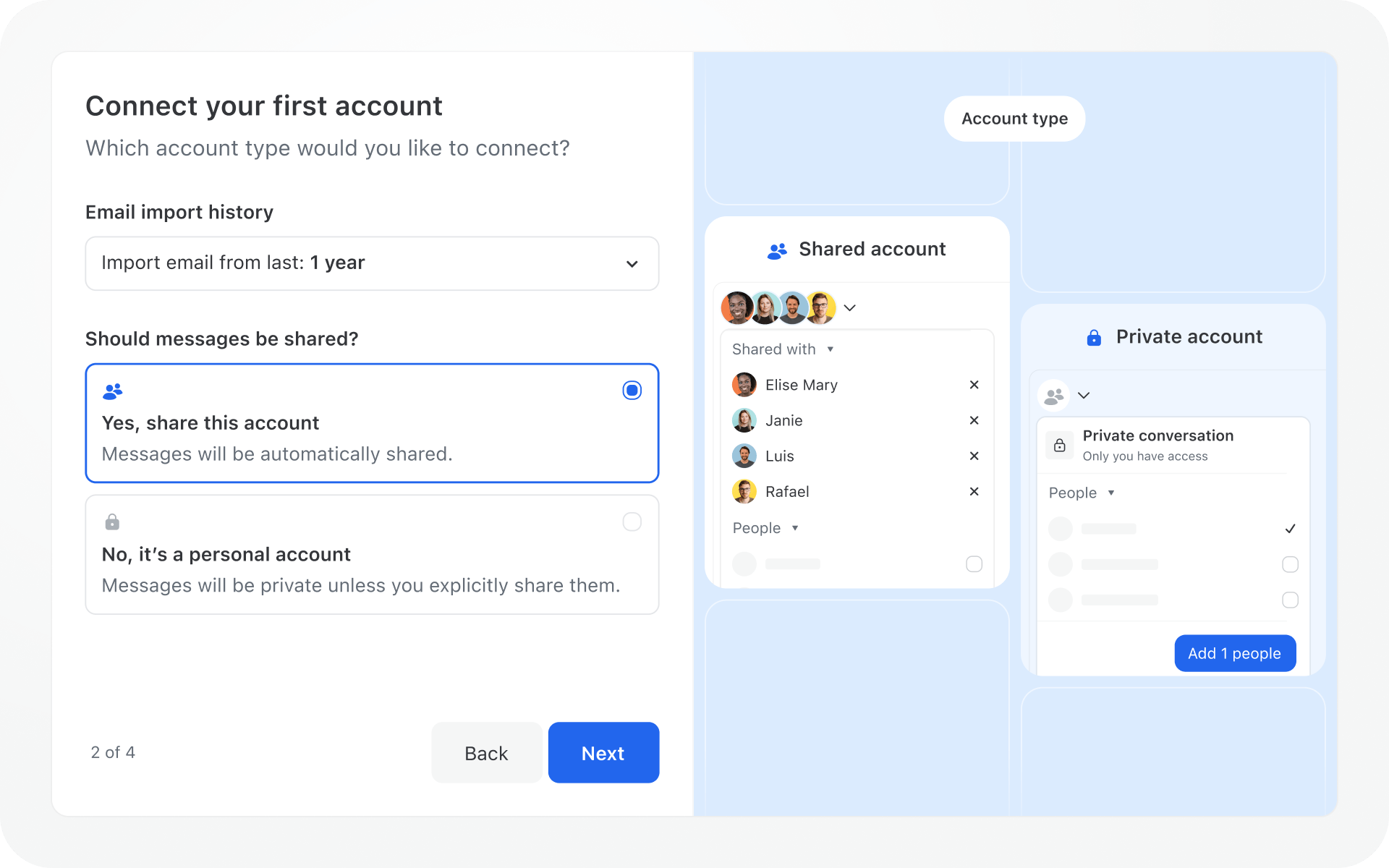
We redesigned our signup and onboarding flow to better guide new organizations through their first steps, with clearer hand-holding around creating a team and connecting a first shared account.
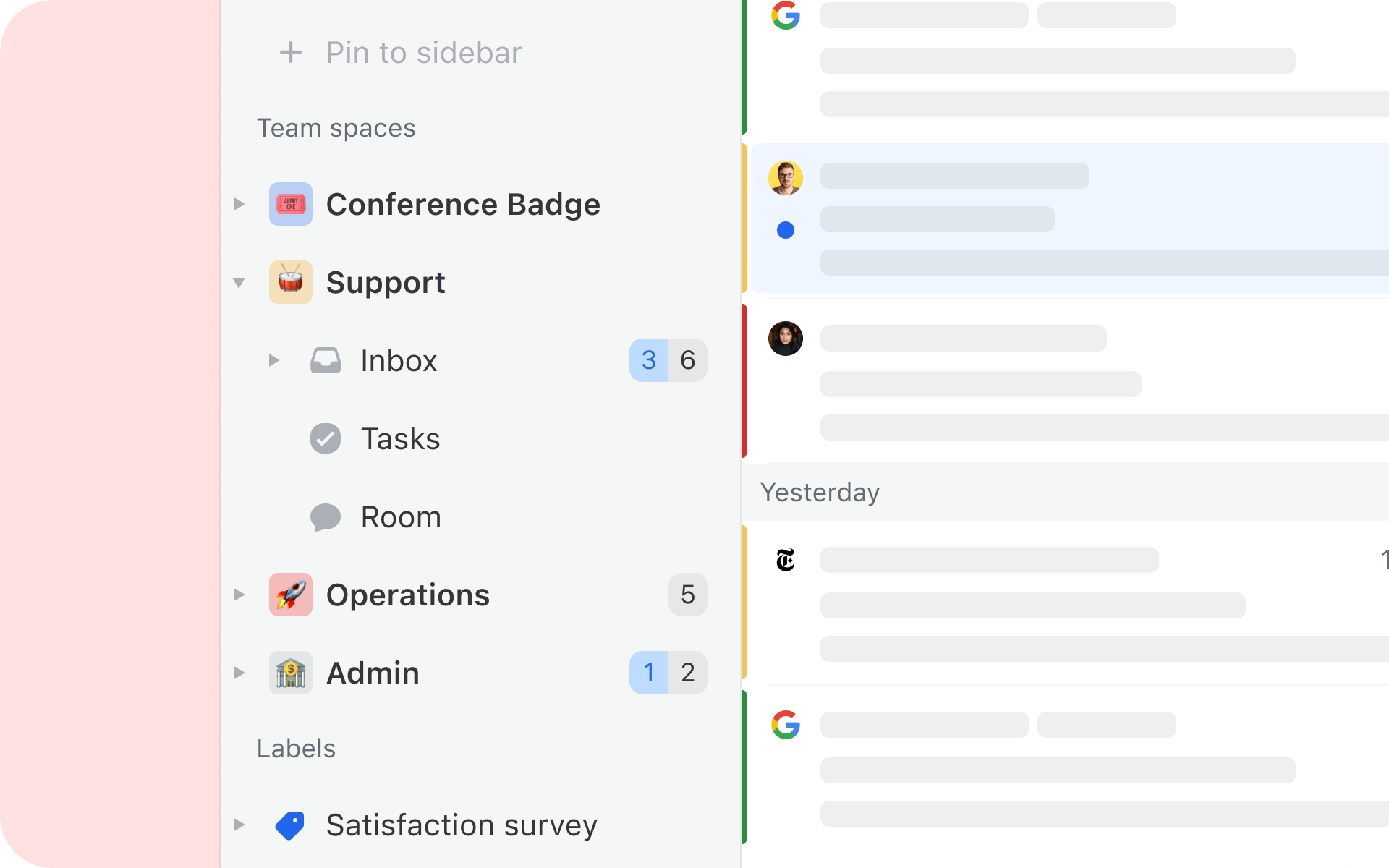
A new way to organize your teams. Every team has now a dedicated space in the sidebar, and every member will see the right elements depending on their role in the team. Quickly access your team’s inbox, Tasks, and Chatroom from the same place.
Native support for WhatsApp Business. No need to add a WhatsApp account via a third-party provider anymore, import directly from Facebook Business Manager.
As always, we'll be regularly shipping improvements and posting them on our changelog. We can't wait to show you what we're cooking up in 2026 already.

March 8, 2023
Maximize Your Real Estate Agent Email Address
Learn how to set up a professional real estate email address, choose the right provider, manage your inbox efficiently, and collaborate with your team—so no lead slips through the cracks.

September 16, 2025
The 6 most secure email clients for collaborative teams
We looked at 6 of the most popular email clients for teams on the market, and scored them on 6 criteria: security hygiene, auditing & accountability, access, removal, and sign-in controls, privacy & data handling, external verification, and data residency.

July 24, 2025
7 Fyxer AI alternatives: from email clients to add-on tools
Compare 7 Fyxer AI alternatives for 2026, from Gmail-native add-ons like Gmelius and Hiver to team inboxes like Missive. Pricing verified April 2026.

June 12, 2020
How to reduce your response time?
When dealing with customers, doing it fast is almost always better. People expect to receive a diligent and...

April 19, 2022
How to add notes and comments to emails in Gmail
Gmail doesn’t have a native notes feature, but there are five workarounds. Here’s how to add notes to emails in Gmail, plus a better option for teams.

June 3, 2022
Boost Your Team Email Collaboration With These 10 Tips
10 practical strategies for better team email collaboration—from shared inboxes and delegation to templates, automation, and collaborative writing—with tips for moving beyond Gmail's limitations.

March 27, 2023
11 Email Etiquette Rules to Follow for the Best Customer Service
The 11 email etiquette rules every customer service team needs—from grammar and tone to canned responses, follow-ups, and response times—with practical tips for writing emails customers actually appreciate.

April 6, 2023
Shared Inbox for Gmail in 2026: How to Set One Up (and When to Move On)
Build a shared inbox for Gmail in 2026: delegation, Google Groups, and Collaborative Inbox setup steps, plus when to switch to real shared inbox software.

March 23, 2021
Automate Customer Feedback
Four practical ways to use Missive rules to collect customer feedback—request social reviews, send feedback to a spreadsheet via webhooks, embed surveys in signatures, and automate follow-ups.
