Missive AI Credits
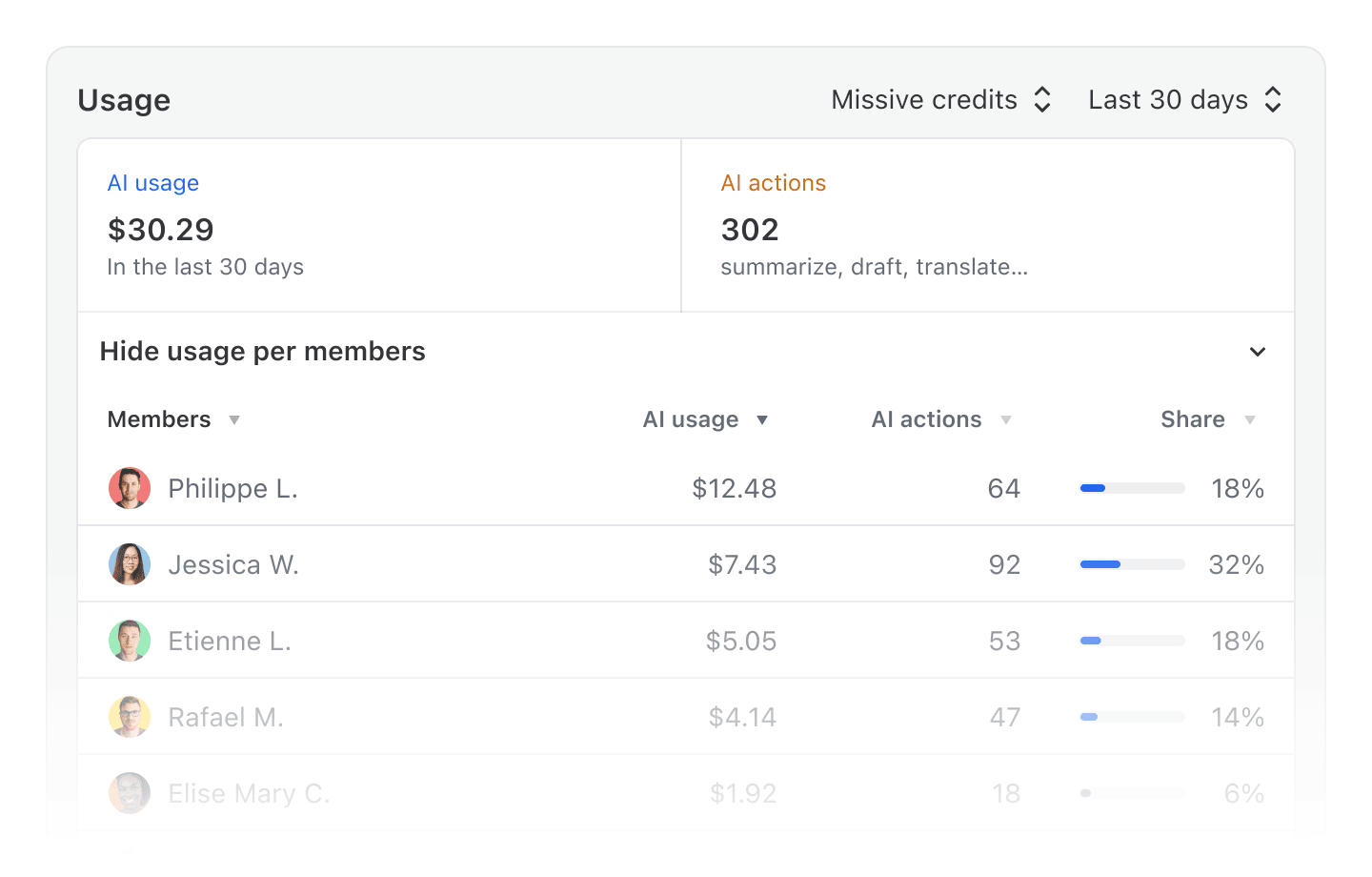
For AI features, you can now choose between using Missive AI credits or bring-your-own-key (BYOK). Missive AI Credits let you purchase credits directly from Missive and start using the assistant, prompts, and AI rules without setting up an external provider account. Credits are linked to your organization for usage monitoring and can be shared with your team. To celebrate, all paid organizations get $5 of free credit. Go on, test it out.
Time series charts in Analytics
Click any metric cell in an Analytics report to expand an inline chart showing how that metric has trended over time for the selected entity (user, team, account, or organization label). Useful for spotting patterns, comparing periods, and understanding whether a number is improving or just spiking.

Drag to move and resize calendar events
Reschedule meetings without opening the event form. Drag any event to a new time slot to move it, or drag its edge to make it longer or shorter. Works in both weekly and monthly views, with support for cross-day moves, recurring event handling, and automatic navigation when you drag near the edge of the visible period. Press Escape to cancel mid-drag.
Invite teammates, teams, and organizations as calendar event guests
When adding guests to a calendar event, the search now surfaces your teammates, teams, and organizations alongside contacts and past recipients. No more hunting for email addresses or maintaining a separate contact book just to invite your own colleagues to a meeting.
AI assistant works more reliably on mobile
Fixed several issues where the assistant would close unexpectedly, the keyboard would disappear, or the @ mention picker would behave erratically on mobile devices.
Right-click context menu on tasks
Right-click any task row in the Tasks views to quickly change its status, assignees, team, or due date without opening the task first.
Right-click context menu on file attachments
Right-click any file attachment to access actions like download, open, or delete directly from the context menu.
- AI-generated drafts no longer produce extra blank lines between paragraphs, lists, and blockquotes
- Conversations with all messages already read now correctly collapse messages when "Expand messages by default" is turned off
- Shared addresses using the Regular Inbox method can now be saved without selecting additional users
- Copy-pasting text from external sources (notably ChatGPT and Google Docs) into the composer no longer strips line breaks between paragraphs
- Clicking a mailto: link or an email address in a contact's details now always opens the email composer, even when the default new message sender is set to an SMS account
- The Edit sharing dialog for shared accounts using the Regular Inbox method now correctly shows the actual account owner instead of the current user
- Conversation previews for generic accounts (Twilio, Dialpad, and others without a profile picture) now display the correct channel icon instead of a blank space
- The task creation dialog title field no longer unexpectedly grows taller after typing a few characters
- Pinned filtered mailboxes with open status no longer show unrelated items when the mailbox type filter is removed
- Newer emojis (like identification card, wings, and other Extended-A symbols) are now correctly detected as emoji icon in conversation titles
- The numpad Enter key now works in menus, forms, and label assignment dialogs
- Swiping to apply a label on mobile no longer leaves the conversation stuck in a swiped state
- The Send & Snooze date picker no longer shows both "Leave in Inbox" and "Archive" options simultaneously
- Deleting an attachment via its context menu no longer deletes a different comment's attachment
- On mobile, starting a new message from a custom account and tapping "Add a recipient" no longer causes the submit button to spin indefinitely
- Search fields inside dropdown menus (e.g. in Rules or integrations) no longer lose focus after each keystroke on Android