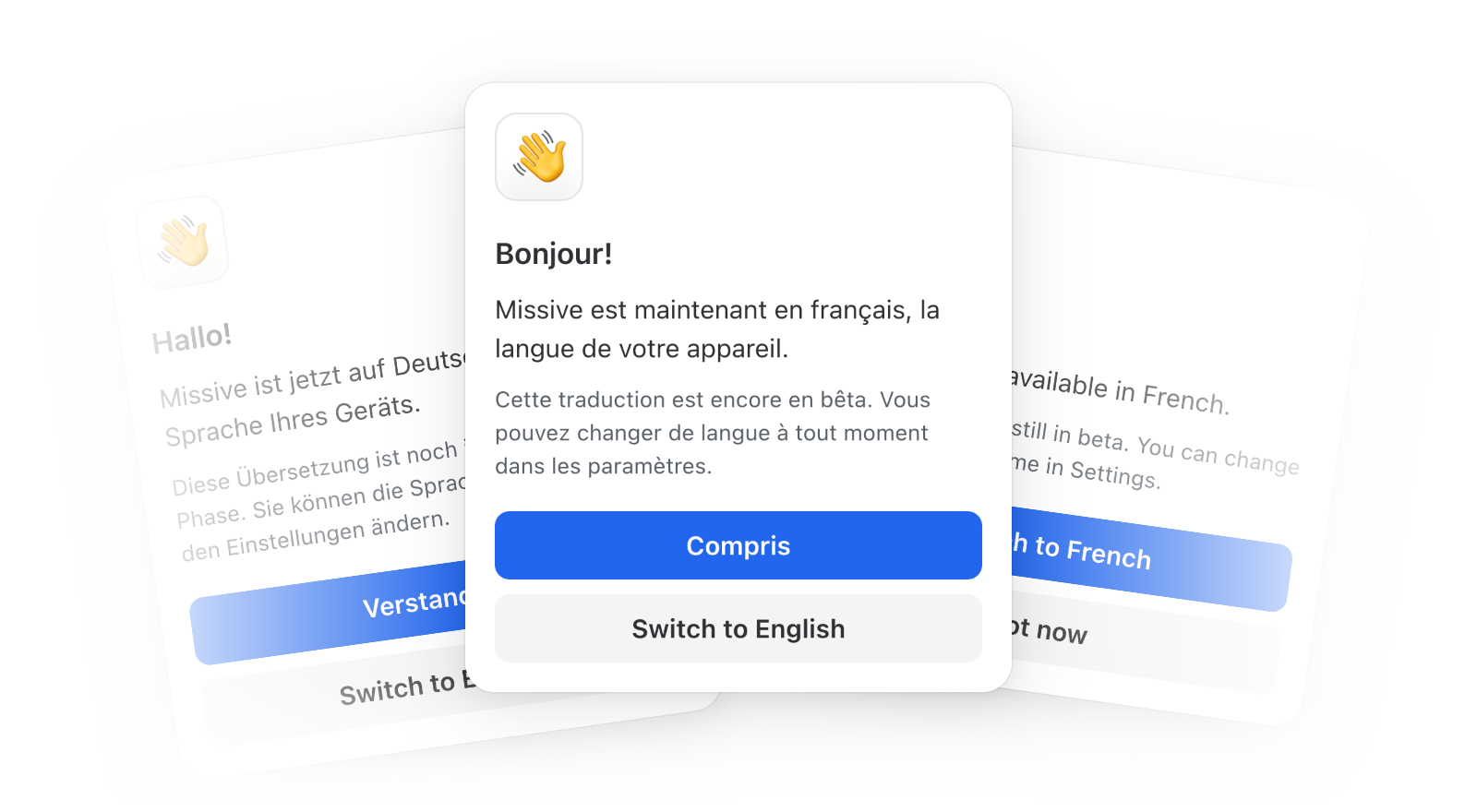
Missive in French and German (beta)
Choose your language in Settings > Appearance > Display. Until you pick one, Missive follows your device language.
Please report any layout issues or translations that read wrong. Let us know what the next languages should be!
Dark mode for HTML emails
In the dark theme, HTML emails get a generated dark version instead of a bright white block, with brand colours and images left alone. The sun/moon button next to Reply switches a single message back to light.
Split SMS and WhatsApp threads into their own conversation
When messages from different contacts end up in one conversation, "Move messages to a new conversation" in a message's menu moves that thread into a conversation of its own.
Smoother keyboard on iPhone and iPad
The composer, comment box, drawers, and dialogs now glide with the keyboard as it opens and closes. Requires iOS 17.2 or later and the latest app update.
Drag several attachments at once, again
Cmd-click or Shift-click attachments, then drag them together into a draft, comment, or response. Shift+Left/Right extends the selection, and Backspace removes every selected file from a draft.
Click "Draft" to jump to it
Clicking the Draft token on a conversation in the list opens it scrolled to your latest draft, even deep in a long thread.
Zoom meetings show up properly in events
Meetings added through Google's Zoom add-on show their name and the Zoom logo. Events with a Zoom, Meet, or Teams link in the location get a video row with a Join button.
Exiting search keeps your conversation open
The conversation you were reading stays open, with your scroll position and expanded messages intact.
The AI assistant reads attachments on comments and posts
Files attached to internal comments and posts are now part of what the assistant can read, not only those on messages.
Redesigned radios and checkboxes
Selected radios and checkboxes are filled in brand blue. Menus where you pick one option, like task sorting or a label's parent, use radios, and multi-select menus show real checkboxes.
Scroll sideways with a regular mouse wheel
Rows that overflow sideways, like mailbox filters and composer attachments, scroll with a vertical mouse wheel, no Shift needed.
- Time zones are up to date, including Mexico, which dropped daylight saving time.
- A fifth overlapping event in the Week and Day views no longer hides under the fourth.
- The due date menu no longer saves the default date when you change months and pick a day.
- Typing a two-digit year like "30" in a date picker now means 2030, not 0030.
- The date and time picker in Set a status no longer shrinks to an unusable width.
- Clearing a custom date range in Analytics now goes back to Last 7 days.
- Rule conditions no longer disappear when you drag them into a nested group.
- Creating a label you can't see now warns you instead of silently hiding it, with a Share with me button to add yourself.
- Label icons show exactly the colour you picked again.
- Label tokens are easier to read in both themes.
- Gmail conversations that are both starred and in Trash can now be unstarred.
- Pinning a team space set to "Only show team inbox" no longer pins its hidden room, along with an unread badge you couldn't clear.
- The reply bubble now appears even when you finish selecting text in the margin beside it.
- Mention highlights in the comment box stay lined up with the text when it scrolls.
- Going back to a conversation after sending a draft restores your scroll position and expanded messages again.
- File names like
image@2x.pngare no longer turned into email links. - The keyboard shortcuts table in Preferences keeps its header in place while you scroll.
- The snooze menu on mobile no longer has a gap before its checkboxes.
- On mobile, tapping the title of a new conversation without a subject now opens the keyboard.
- The AI assistant no longer stops with an error when an MCP tool returns no results.