A brand new mobile experience
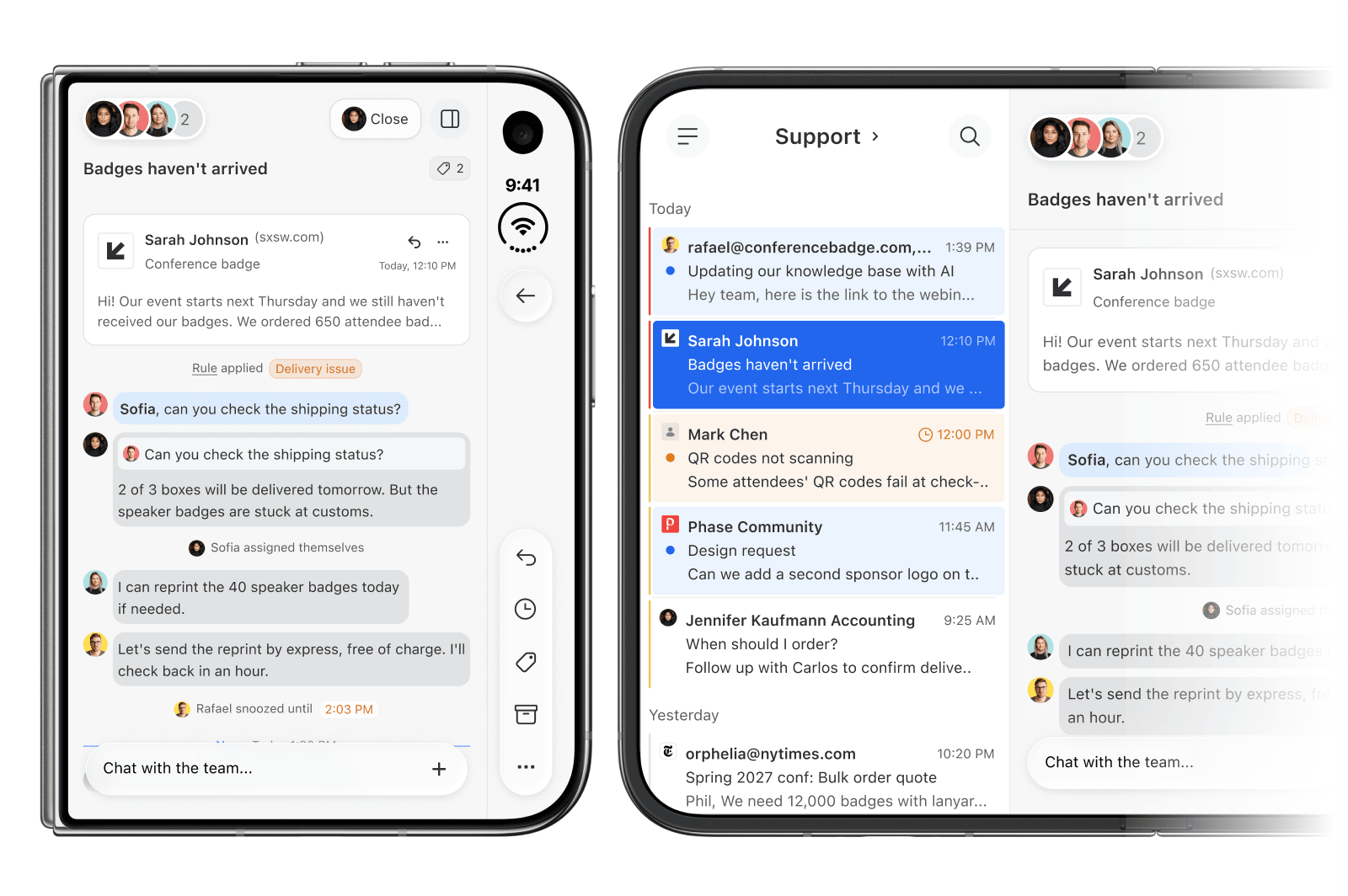
Our mobile app hadn’t had a proper refresh in years. We rebuilt it to follow modern standards, with a cleaner and more consistent look that puts the focus back on your content when you’re on the go:
- A new top bar and floating buttons, all within thumb reach
- Swipe right to go back, or left to open the integrations sidebar
- The integrations sidebar now has tabs for faster navigation
- Tap the comment button to open the comment box over the actions
- Full support for iPhone Duo and its various layouts
Let the AI assistant take action
Ask the assistant to assign, close, archive, or snooze conversations, add a post, or create and update tasks. Try “Assign the Acme conversations to Sarah and snooze them until Monday.” Nothing happens without your approval. Claude, ChatGPT, and other MCP clients connected to Missive can do the same.
Custom emojis
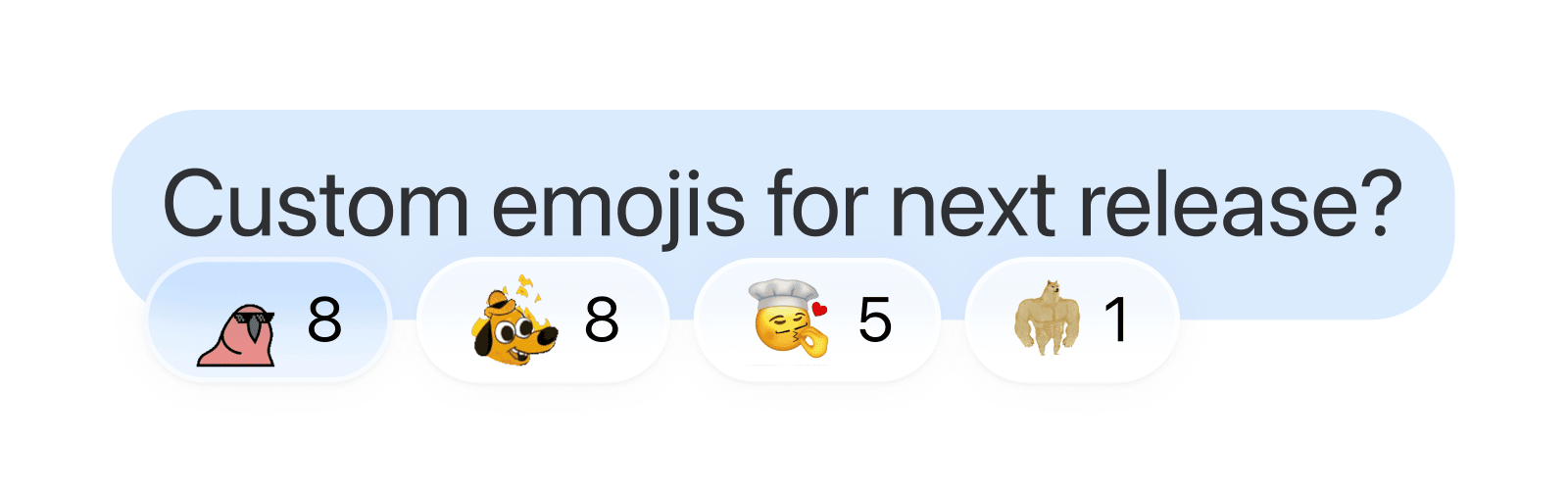
Half your team will be thrilled. The other half will be nervous. Add your own image emojis in Settings > Organizations > Emojis, then use them as :name: in comments and reactions. Admins can restrict who adds them.
Print a whole conversation
Need a paper trail? Print any conversation and preview it live as you choose where to start, how much to include, and which entry types to keep. Find it in the conversation menu or the command bar.
- Print only the last 100 messages of a long chat room
- Save as PDF from the desktop app, with links still clickable
Zoom the whole app
Text size has grown into a full Zoom. Scale everything from 80% to 135%, including icons, spacing, and emails, not just the text. Change it from anywhere with Cmd+plus, Cmd+minus, and Cmd+0.
- “Mark as important” no longer uses Cmd+plus. Set a custom shortcut if you relied on it
- Calendar visible hours shortcuts are now Cmd+Alt+plus and Cmd+Alt+minus
Unsent comments are kept
Started a comment and got interrupted? It’s still there when you come back, even after a reload. Mentions and attachments are kept too. Unsent comments are saved on the device where you wrote them.
Copy code blocks in one click
Code blocks in comments and AI assistant replies now have a copy button. It leaves out the trailing line break, so a pasted command doesn’t run on its own.
Easier snooze and send later menus
Your current snooze or send later is now visible right in the menu. On touch, dates are larger and you can swipe the calendar to change month.
A tidier tasks sidebar
We reworked the tasks sidebar to make its structure easier to understand and navigate. Empty states now suggest a next step, like adding a task or clearing a filter.
AI rules can ignore quoted text
AI conditions and actions on emails have a new “Include quoted text” checkbox. New rules leave out quoted replies, so the AI only reads the latest message. Existing rules keep including them.
Helpful empty states in the conversation list
If conversations fail to load, you’re offline, or a search finds nothing, the list now tells you what happened and what to do next, like Try again or Clear filters.
More natural Spanish, French, and German
Spanish now speaks to you in a more familiar tone. Sentences that mention you read more naturally in all three languages.
- The calendar sidebar opens in calendar windows, with its own show or hide setting.
- Swiping the calendar's day header or all-day row changes days again, on touch and with a trackpad.
- Clicking your business number on an SMS sent from another app, like Quo, no longer shows an unrelated contact.
- During signup, an avatar that's too large can be changed or removed instead of blocking the next step.
- Connecting an MCP integration that fails shows an error instead of a blank page.