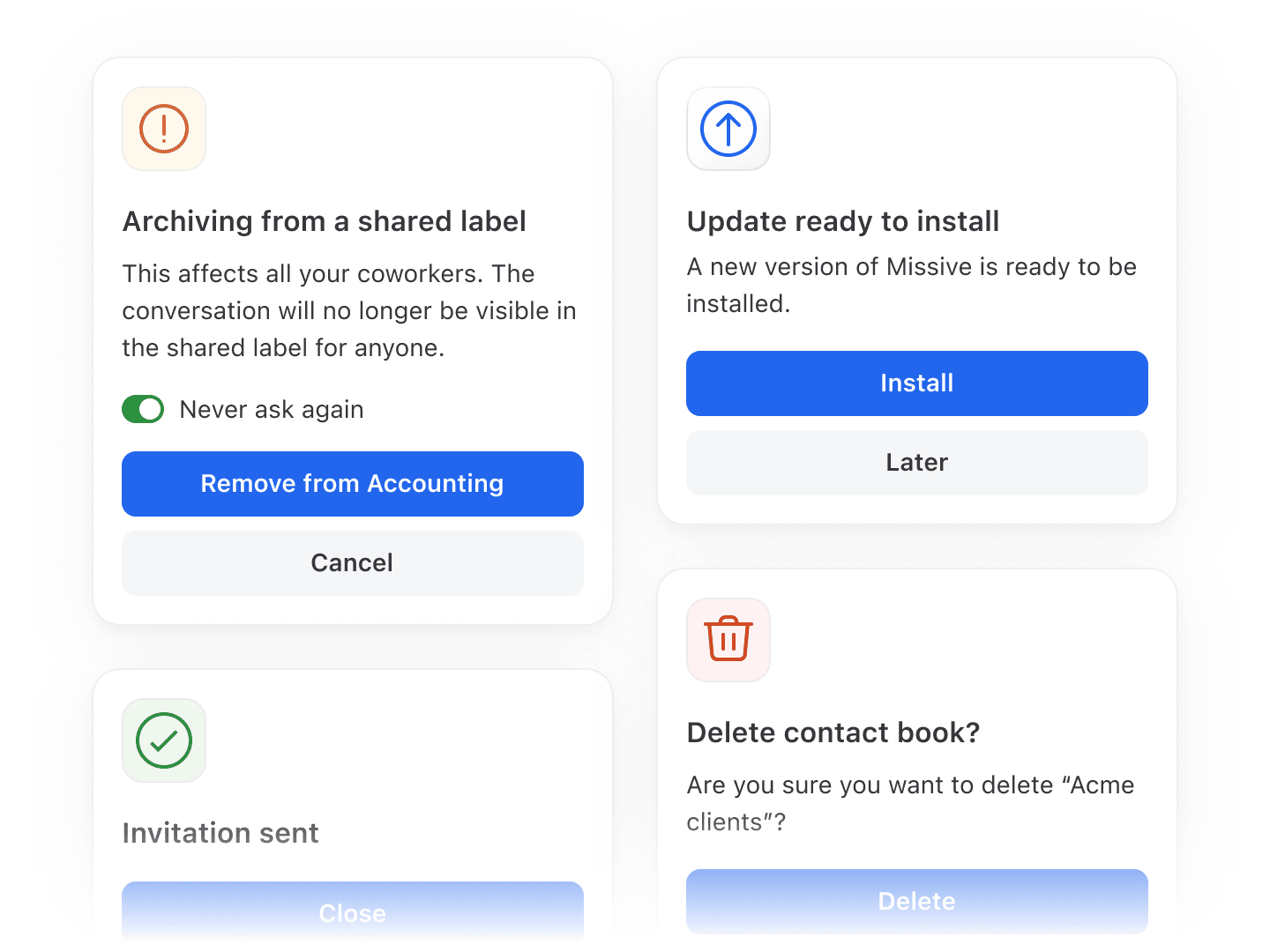
Redesigned alerts and confirmations
Warnings, errors, and confirmations across the app now look and behave the same wherever you meet them.
Auto-archive Everyone, including future members • Read more
Picking Everyone in a shared account's Auto-archive list covers anyone who joins your organization later, instead of adding each person by hand. The list also shows everyone in your organization, not only the people already under Share with.
Signature variables match what you see in the composer
Drafts created outside the composer, by the assistant, by a rule, or through the API and MCP server, now resolve {{ user.name }} and {{ user.email }} from your organization profile, exactly like the composer does. Managed signatures used to fall back to your login email instead of the address you actually send from.
Stable label order while you apply them
The list no longer re-sorts as you tick labels off, so a second click can't land on one that just slid under your cursor. Worth it when a mis-applied label would share the conversation with people who shouldn't see it.
- "Leave in team inbox" is no longer greyed out in the Snooze menu. Snooze options now match whether you open them from the command bar, the right-click menu, or the conversation itself.
- Inviting a member no longer shares every child label just because its parent is shared with a team.
- Signatures and responses that put a variable inside a link no longer break composing.
- The arrow that jumps from a quoted comment back to its source conversation is now visible on phones and tablets, where there was no way to reveal it.
- Access status emojis stay on the right of the avatar in Safari and on iOS.
- Emoji outlines are smoother, without the spiky edges and artifacts they picked up where they overlap an avatar.
- The checkbox on a task lines up with the first line of its text again, instead of the middle of the block.
- Declining a calendar event with "Don't add" no longer adds it anyway.
- Android: the system Back gesture returns you to the previous view again on Android 16, instead of closing Missive.
- Android: Back now closes an open dialog first, rather than navigating out from under it.