> For the complete documentation index, see [llms.txt](https://missiveapp.com/docs/llms.txt). Markdown versions of documentation pages are available by appending `.md` to page URLs; this page is available as [Markdown](https://missiveapp.com/docs/core-features/connected-accounts.md).
# Connected accounts
Connect email, SMS, WhatsApp, social media, live chat, and voice to Missive.
Missive is the best email client for teams. But communication happens everywhere - SMS, WhatsApp, Instagram, voice calls, and more. Connect all your accounts to handle every conversation in one place.
## Account types
### Email accounts
Email is Missive's primary focus. Connect any email provider with full two-way sync, labels, calendar integration, and team collaboration.
* [Gmail / Google Workspace](/docs/core-features/connected-accounts/email-accounts/gmail-google-workspace.md)
* [Outlook / Office 365](/docs/core-features/connected-accounts/email-accounts/outlook-office-365.md)
* [Microsoft Exchange](/docs/core-features/connected-accounts/email-accounts/microsoft-exchange.md)
* [iCloud](/docs/core-features/connected-accounts/email-accounts/icloud.md)
* [IMAP](/docs/core-features/connected-accounts/email-accounts/imap.md)
### Other channels
Beyond email, Missive connects to SMS, social, voice, live chat, and custom channels.
* [SMS](/docs/core-features/connected-accounts/other-channels/sms.md)
* [WhatsApp](/docs/core-features/connected-accounts/other-channels/whatsapp.md)
* [Social](/docs/core-features/connected-accounts/other-channels/social.md)
* [Voice](/docs/core-features/connected-accounts/other-channels/voice.md)
* [Live Chat](/docs/core-features/connected-accounts/other-channels/live-chat.md)
* [Custom channels](/docs/core-features/connected-accounts/other-channels/custom-channels.md)
## How to connect an account
{% stepper %}
{% step %}
**Open Settings**
Go to **Settings** > **Accounts** and click **Add account**.
{% hint style="info" %}
To open Settings, click your avatar in the bottom-left corner of the sidebar, then **Settings** (or press ⌘,).
{% endhint %}
{% endstep %}
{% step %}
**Select account type**
Choose **Email** for email providers or **Others** for SMS, social, voice, and chat.
{% endstep %}
{% step %}
**Configure import and sharing**
For email accounts, choose how much history to import (1 month to all).
For all account types, decide if this is a personal or shared account:
* **Personal account:** Private, only you see messages
* **Shared account:** Messages visible to selected users or teams
{% endstep %}
{% step %}
**Connect**
For OAuth providers (Gmail, Outlook, Facebook, etc.), sign in and grant permissions. For IMAP or API-based accounts, enter your credentials.
{% endstep %}
{% endstepper %}
## Personal vs Shared accounts
Any account type can be personal or shared. You choose when you connect it.
### Personal accounts
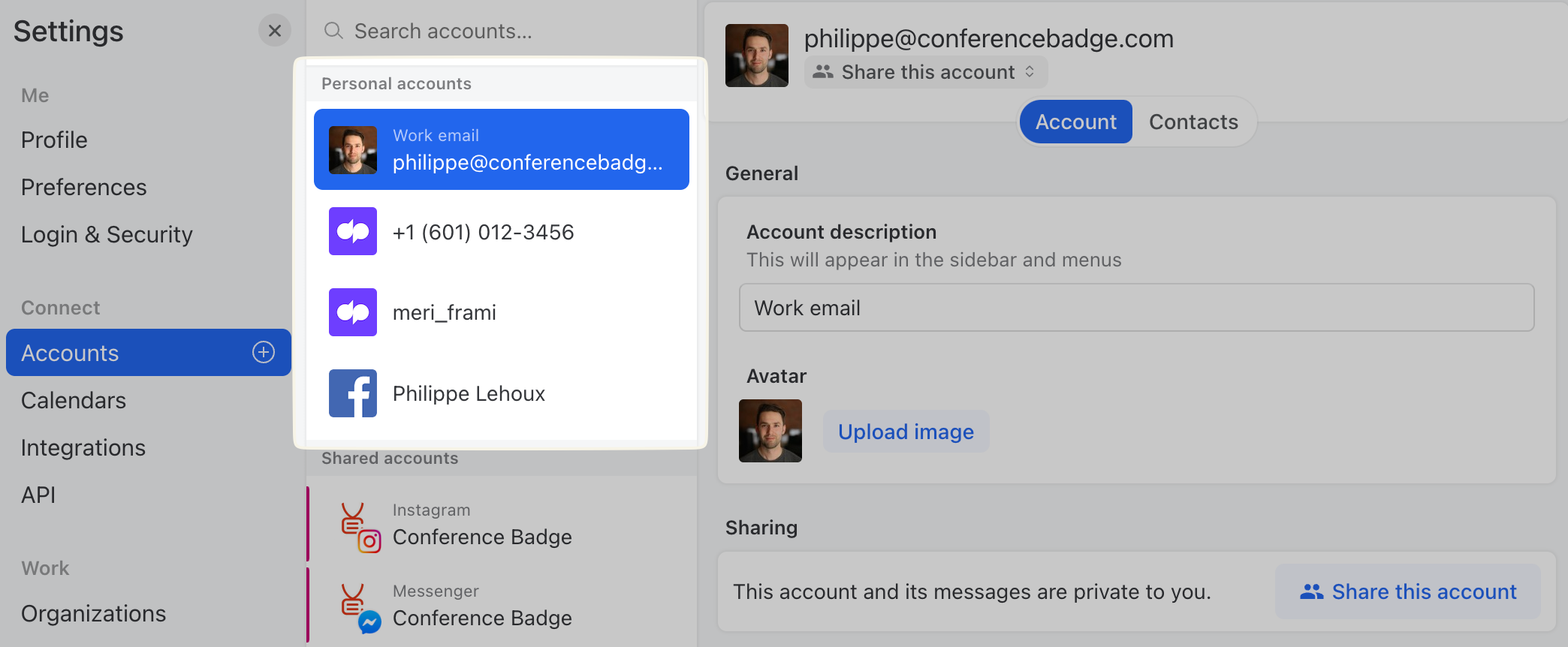
Private accounts that only you can access. Conversations go to your Inbox unless you explicitly share them.
Personal accounts in Settings > Accounts
### Shared accounts
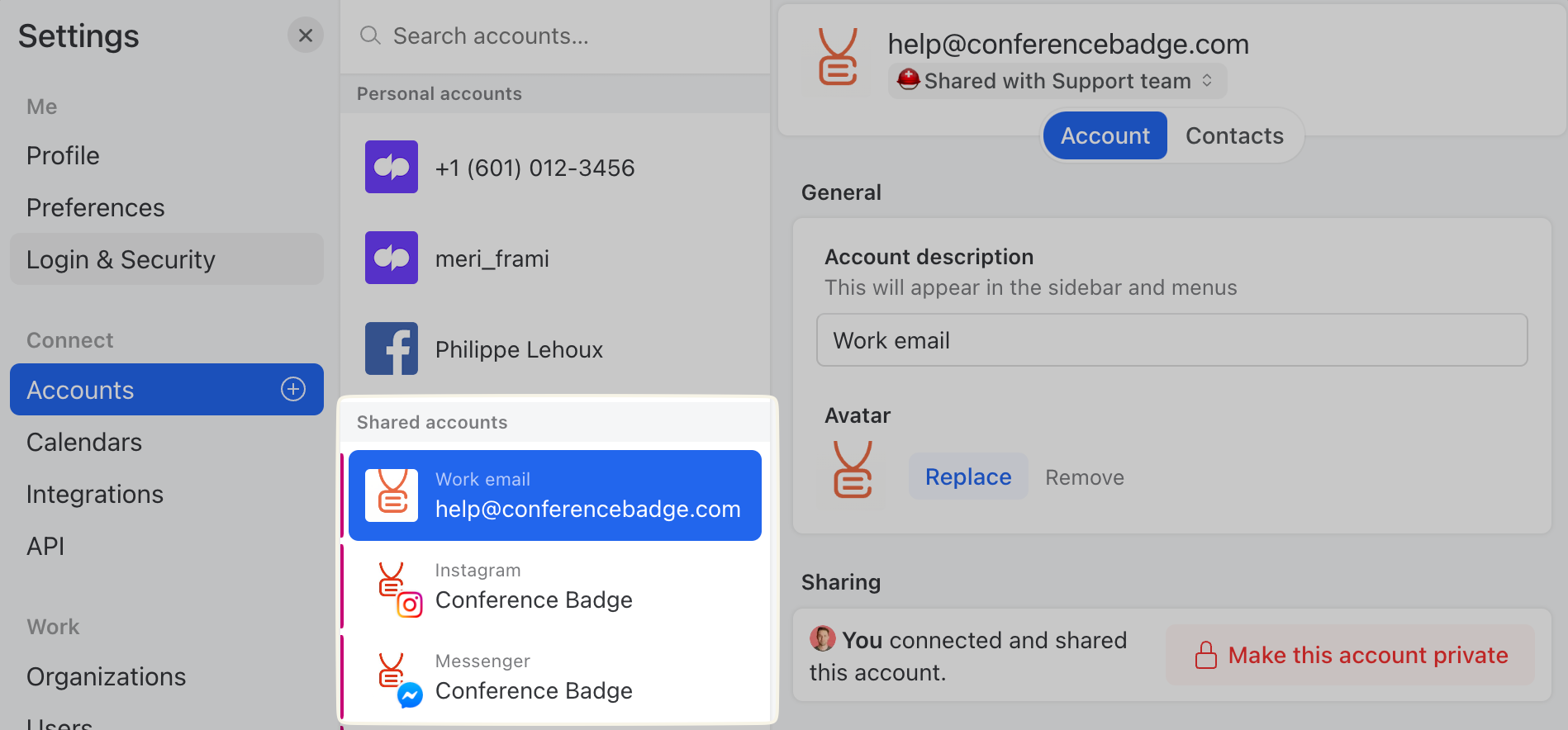
Accounts shared with users and teams in your organization. Your support email, your company's WhatsApp Business number, your shared Messenger account. Everyone with access sees new messages and can collaborate.
Shared accounts in Settings > Accounts
Learn more about [sharing options](/docs/core-features/connected-accounts/sharing-options.md) including Team Inboxes and delivery modes.
## Common scenarios
See [Common scenarios](/docs/core-features/connected-accounts/common-scenarios.md) for step-by-step guides on:
* Sharing all emails in an account
* Sharing only specific aliases
* Setting up Google Groups
* Ad-hoc collaboration via mentions
* Selective auto-sharing with Rules
---
# Agent Instructions
This documentation is published with GitBook. GitBook is the documentation platform designed so that both humans and AI agents can read, navigate, and reason over technical content effectively. Learn more at gitbook.com.
## Querying This Documentation
If you need additional information that is not directly available in this page, you can query the documentation by asking a question.
Perform an HTTP GET request on the following URL with the `ask` and `goal` query parameters:
```
GET https://missiveapp.com/docs/core-features/connected-accounts.md?ask=&goal=
```
`ask` is the immediate question: it should be specific, self-contained, and written in natural language.
`goal` is what the user is ultimately trying to achieve, the reason they need the answer. Sharing it helps GitBook give you a better, more relevant answer. A goal is most helpful when it describes the outcome the user wants rather than restating the question. For example, with `ask=how do I create an API token`, a goal like `automate deployments from our CI pipeline` lets GitBook tailor the answer to that use case.
The response will contain a direct answer to the question and relevant excerpts and sources from the documentation.
Use this mechanism when the answer is not explicitly present in the current page, you need clarification or additional context, or you want to retrieve related documentation sections.