Blog →
Top 6 Google Groups alternatives for efficient team workflows

Blog →

by
Eva Tang
January 20, 2026
· Updated on
July 17, 2026
Although initially designed to be used as a discussion group, a lot of teams start out using Google Groups to manage shared email addresses like support@yourcompany.com or info@yourcompany.com. It’s a free feature that comes with Google Workspace, so it’s an easy first step to get everyone on the same page.
However, as teams grow, they may encounter limitations. The Google Collaborative Inbox feature lives in a separate interface (and tab), which can make it challenging to track tasks and responsibilities. This can lead to missed emails, unclear ownership, and difficulty in managing workflows.
If this sounds familiar, this article can help. We’ll walk you through the six best alternatives to Google Groups to help you find a tool that grows with your business and makes team collaboration feel simple.
Google Groups can function as a group email list, a web forum/discussion group, a Q&A spot, and a Collaborative Inbox. While that flexibility is useful, its design may not be ideal for managing a high volume of team emails.
That's where Google Groups alternatives designed for team collaboration comes in. These are platforms built specifically to solve the problems you run into with Google Groups when you are trying to use Collaborative Inbox. They usually focus on one area and do it well, like creating a shared inbox for a customer support team or a project hub for internal collaboration. They offer more capable features centered on accountability and smooth workflows.
This list wouldn't be applicable to you if you're looking for moderation or message board functionality for your discussion forum, but if you have a busy shared inbox, then you're in the right place.
Ultimately, these tools bring much-needed structure to team email, so you can stop wondering if a critical message fell through the cracks. They make it clear who owns what and let you build workflows right where your conversations happen.
While Google Groups is a useful starting point, its features may not scale with the needs of a growing business. As your team gets bigger, you may encounter these common challenges.
To make sure we were recommending genuinely useful tools, we focused on a few key things when putting this list together.
| Tool | Best For | Starting Price (per user/month) | Key Feature |
|---|---|---|---|
| Missive | Unified team communication across email, SMS, and social media | $14 (billed yearly) | Multi-channel inbox and advanced AI-powered workflow automation |
| Help Scout | Customer support teams needing a help desk and knowledge base | $25 | Shared inbox combined with a powerful Docs feature for self-service |
| Hiver | Teams who want to manage shared inboxes inside Gmail | $25 | Deep Gmail integration with AI agents and analytics |
| Drag | Visual teams who prefer managing emails on a Kanban board in Gmail | $12 (billed yearly) | Turns Gmail into a visual, collaborative workspace |
| Groups.io | Replacing the forum and mailing list features of Google Groups | Free plan available; Premium starts at $20/month for the group | Modern, privacy-focused email discussion platform |
| Slack | Internal team communication and moving conversations out of email | Free plan available; paid plans on their site | Channel-based messaging and extensive AI-powered integrations |
Here’s a closer look at each tool to help you find the best fit for your team's needs.
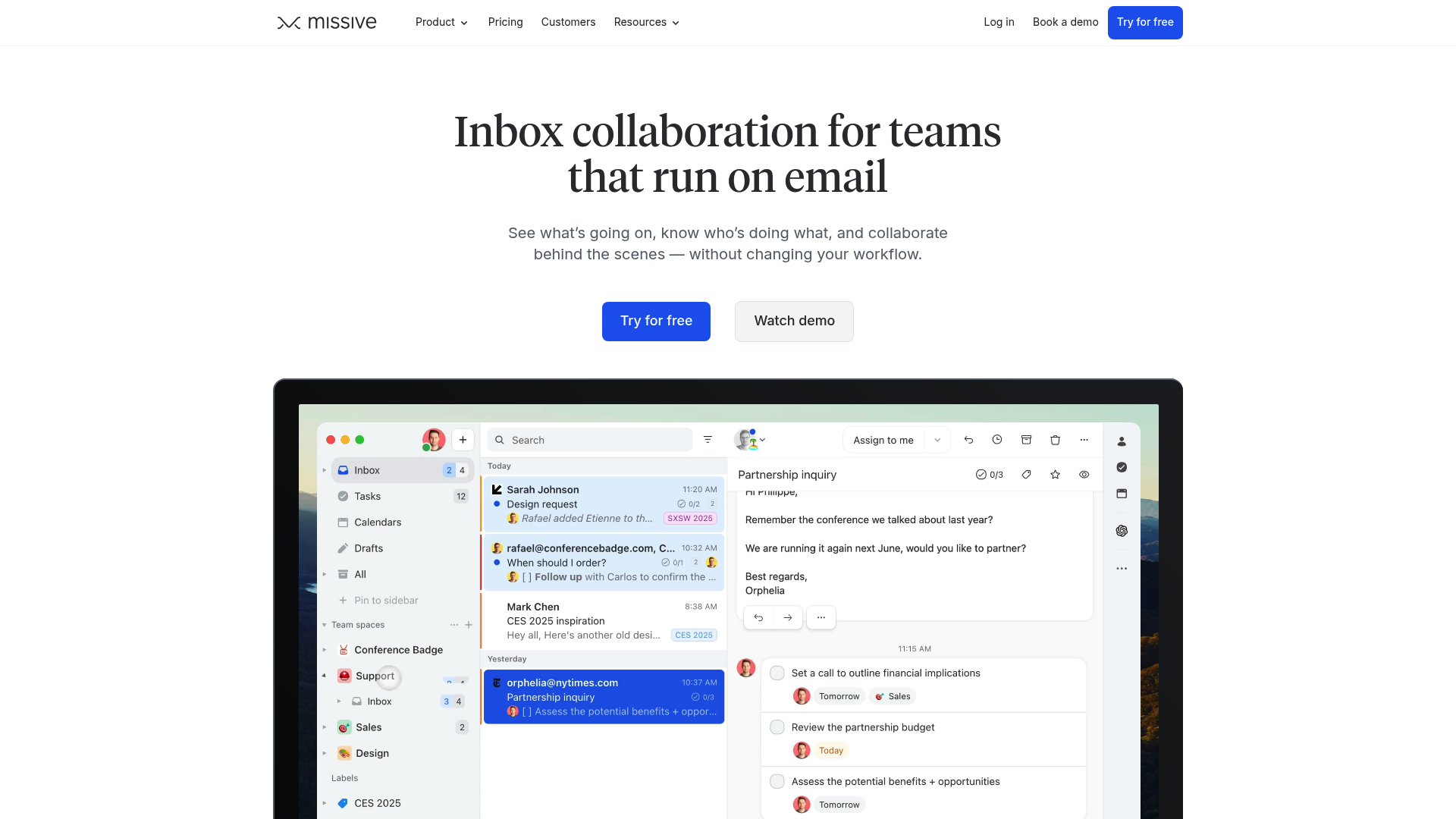
Missive is a collaborative inbox that pulls all your team’s conversations into a single place, no more tab switching. It includes features for managing email, SMS, WhatsApp, social media, and more. It also has built-in tasks, internal chat, and powerful automation, so your team can manage entire workflows without leaving their inbox. It works with all email providers, including Gmail and Outlook. Setup is guided, too: shared addresses like a Google Group have their own section under Settings > Accounts, with a walkthrough for connecting the address so the whole team sends and receives from it correctly.
Pros and cons: A key feature is its multi-channel support, letting your team manage every customer interaction from one place. Its AI-powered features, like drafting replies and spam filters based custom prompts, combined with automation rules for things like workload balancing, can increase team productivity. For solo users or very small teams who just need basic email sharing with a familiar web UI, the feature set might be more than you need.
Pricing:
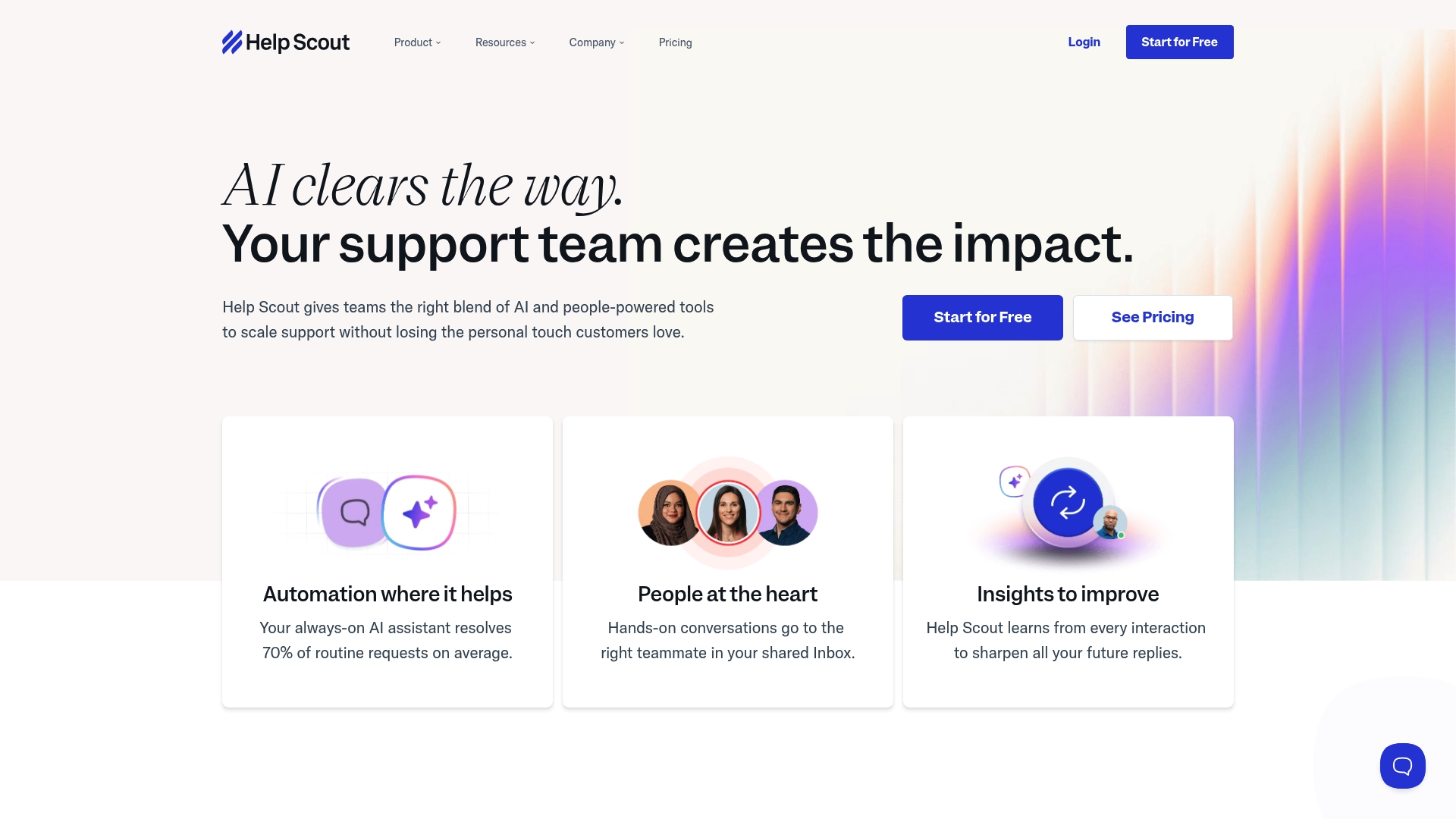
Help Scout is a customer service platform designed for personalized communication. It's a great Google Groups alternative for managing support emails, offering a clean shared inbox, a knowledge base (Docs), and live chat. Its AI features can automatically resolve up to 70% of routine questions.
Pros and cons: Help Scout is known for its user-friendliness and core help desk features like saved replies, collision detection, and internal notes. Its reporting tools also give you solid insights into your team's performance. On the other hand, it’s very focused on external customer support, so it may be less suitable for internal projects or managing a sales pipeline.
Pricing:
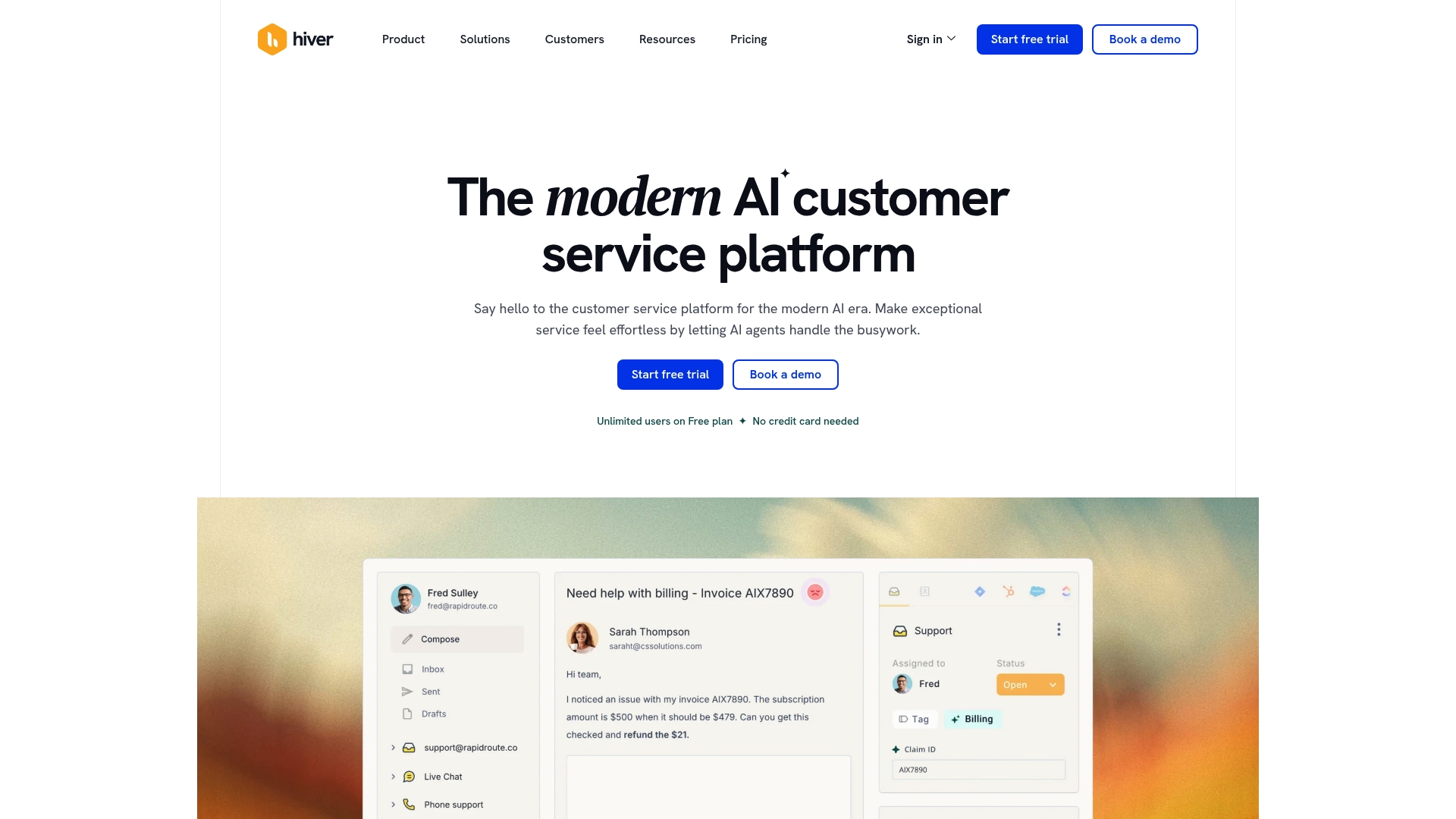
Description: Hiver is an AI-powered customer service platform for teams that primarily use Gmail. It integrates directly into the Gmail interface, turning it into a complete help desk without forcing your team to learn a new platform. It’s a solid choice for managing shared inboxes like support@ or sales@.
Pros and cons: Its tight integration with Gmail is a main draw, making it easy for your team to get started. Features like collision alerts, email assignment, and detailed analytics are all built right in. The biggest drawback is that it only works with Google Workspace, so it’s not an option if your team uses other email providers.
Pricing:
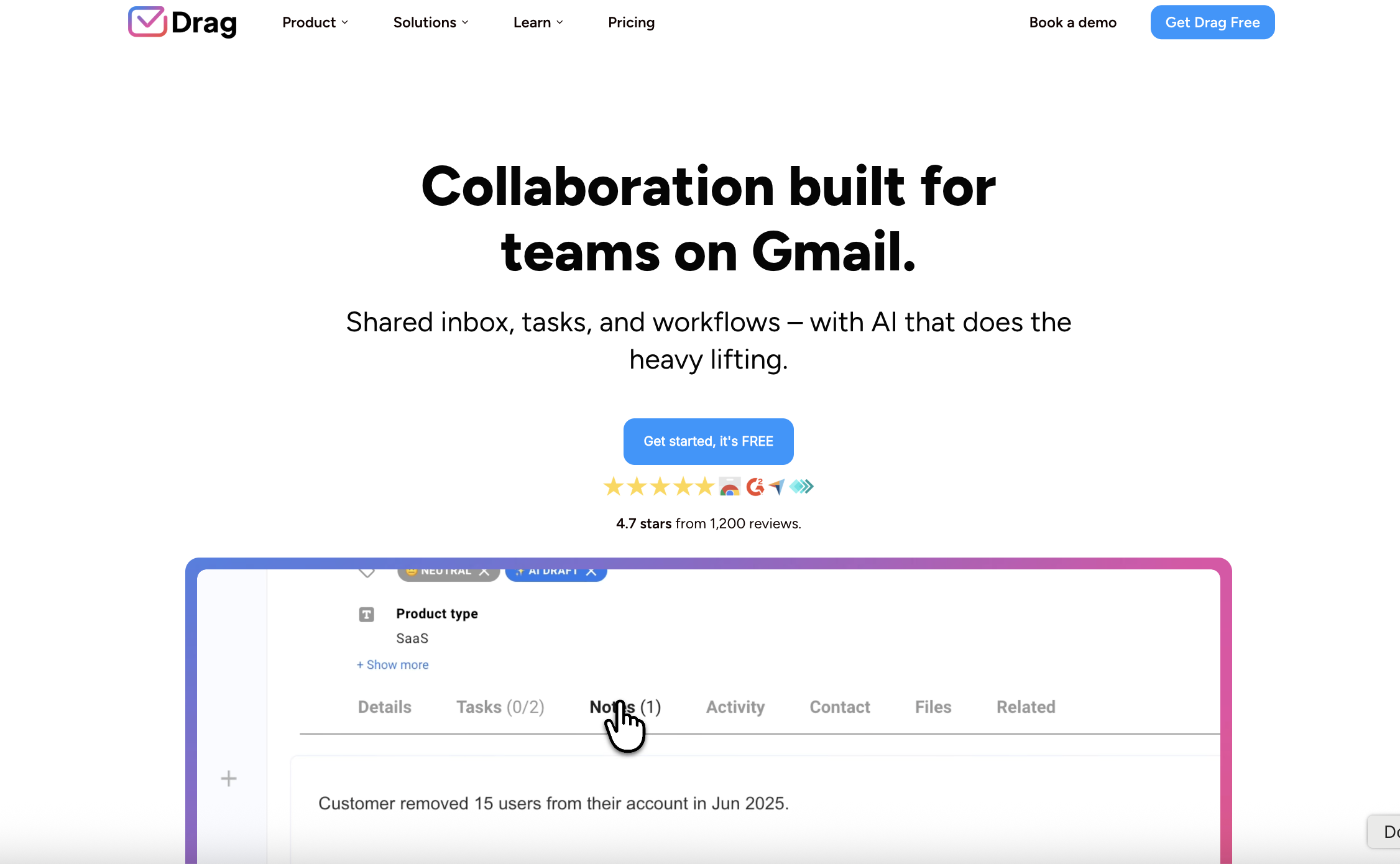
Description: Drag also operates inside Gmail but takes a unique, visual approach. It turns your inbox into a collaborative Kanban board, similar to Trello, letting you drag and drop emails between columns that represent different stages of your workflow.
Pros and cons: This visual workflow is well-suited for teams managing projects, sales pipelines, or support tickets in clear stages. The ability to add tasks, notes, and due dates directly to emails is a significant benefit for organization. However, if your team prefers a traditional list-style inbox, the Kanban-first approach might be less intuitive.
Pricing:
If you're mainly using Google Groups as a mailing list or discussion forum, Groups.io is a modern replacement. It's designed for communities and offers a cleaner interface and more features than Google Groups, like a shared calendar, file sharing, wikis, and polls.
Pros and cons: Groups.io is privacy-focused (no ads or data mining) and offers great organization with features like hashtags. It is a suitable choice for non-profits, open-source projects, and hobby groups. While it's fantastic as a forum, it doesn't have the collaborative inbox features that business teams need for managing a high volume of customer emails.
Pricing:
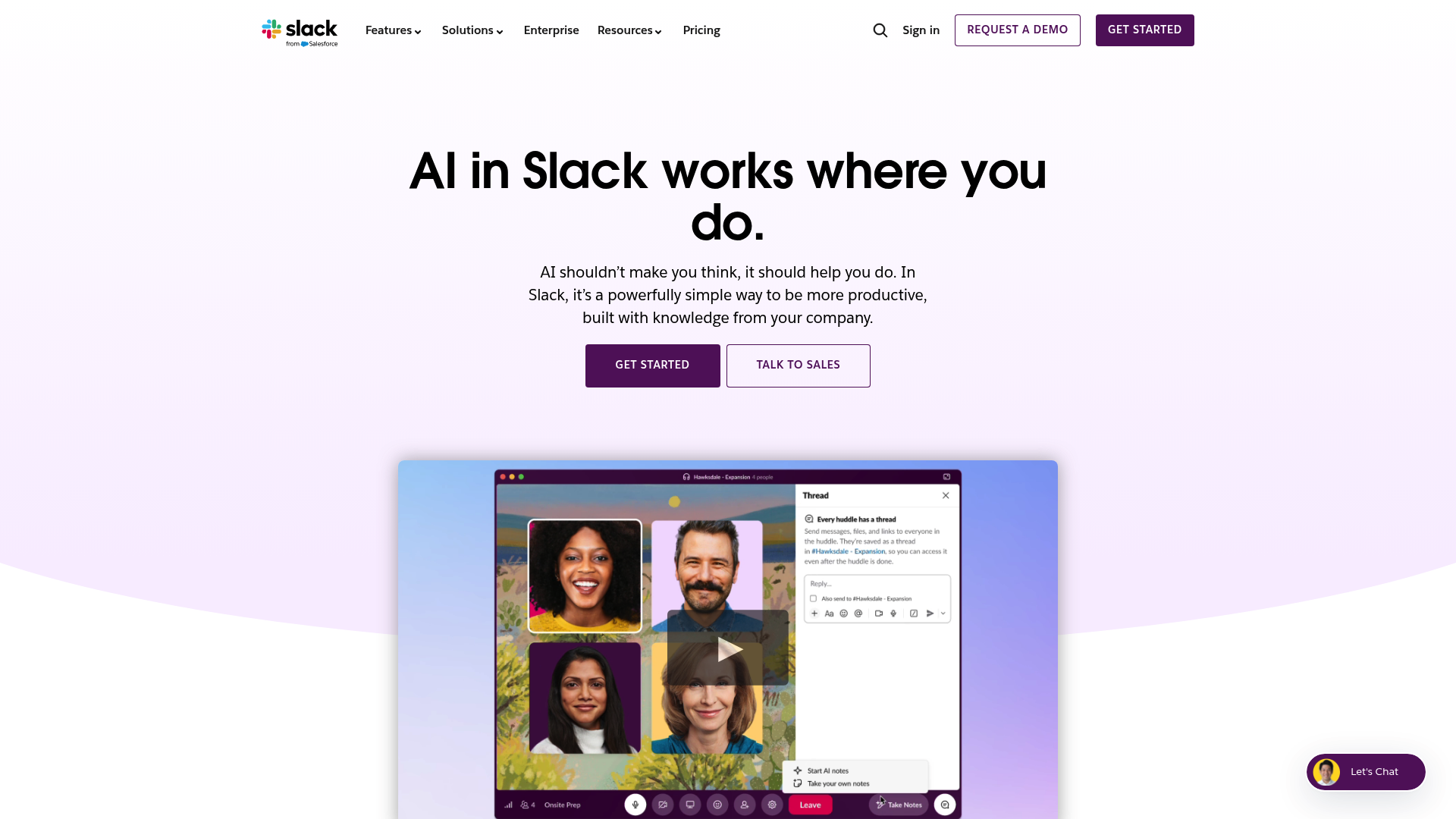
For many teams, an effective way to handle internal communication issues is to move away from email altogether. Slack is a channel-based messaging platform that organizes conversations by topic, project, or team, creating a searchable archive of all communication.
Pros and cons: Slack is designed for real-time internal collaboration and can dramatically reduce the number of internal emails you send and receive. Its extensive library of integrations makes it a central hub for all your team's work. The main thing to keep in mind is that it isn't built to manage external email from customers, so you'd still need a separate tool for your shared inboxes.
Pricing:
Understanding the fundamental differences between Google's own tools, like Google Groups and delegated access, can help clarify why so many teams seek out dedicated alternatives. This video offers a great breakdown of the pros and cons of each native Google option, highlighting the common pain points that the tools on our list are designed to solve.
While Google Groups is a functional starting point, it may not meet the needs of a growing business. Adopting a specialized collaboration tool can bring more clarity and accountability, leading to improved communication and customer satisfaction.
For teams looking for a platform that consolidates communication channels, automates tasks, and provides collaborative tools, Missive is one option to consider. You can get started on a 30-day free trial today, no credit card required.
Q1: What are the main limitations of Google Groups that lead people to seek out Google Groups alternatives? A1: The main limitations are a lack of accountability (you can't assign emails), a user interface that is separate from Gmail, and no real workflow tools. This often leads to missed messages and confusion as a team grows.
Q2: Are there any free Google Groups alternatives for small teams? A2: Yes, several of the tools on this list, including Help Scout, Hiver, and Slack, offer free plans. Missive doesn’t, but every new team gets a 30-day trial. These are great for small teams or for trying out a platform's core features before committing to a paid plan.
Q3: How do I choose the right Google Groups alternatives if my team communicates on more than just email? A3: You should look for a multi-channel inbox. A tool like Missive is built for this, bringing email, SMS, WhatsApp, and social media into one shared space. This prevents your team from having to jump between different apps to talk to customers.
Q4: I like working in Gmail. Are there any Google Groups alternatives that work inside my inbox? A4: Absolutely. Tools like Hiver and Drag are designed to live directly inside the Gmail interface. They add shared inbox and workflow features without forcing your team to learn a completely new application.
Q5: What key features should I look for in Google Groups alternatives for customer support? I don't need forum moderation or message boards. A5: For customer support, look for features like email assignments, internal notes for team collaboration, collision detection (to prevent duplicate replies), saved replies for common questions, and analytics to track response times.
.png)
January 12, 2023
Team email management: how high-functioning teams actually run email together
Team email management means handling email together in one workspace: shared inbox, assignment, comments, rules. See how it works and how to choose a tool.

April 6, 2023
Shared Inbox for Gmail in 2026: How to Set One Up (and When to Move On)
Build a shared inbox for Gmail in 2026: delegation, Google Groups, and Collaborative Inbox setup steps, plus when to switch to real shared inbox software.

March 29, 2022
How to Create a Dynamic Email Signature?
Learn how to use Liquid templating in Missive to create email signatures that change automatically—like adding “Have a great weekend!” on Fridays, rotating seasonal messages, or embedding satisfaction surveys.

May 14, 2025
8 ways to use AI in your email inbox in 2026
Eight practical ways to use AI in your inbox in 2026: auto-categorize, route, escalate, draft, summarize, schedule meetings, and pull past context.

January 5, 2023
How to Improve Your Customer Service with Collaboration
Learn why customer service collaboration matters, how to implement it across teams, and which tools help your team resolve issues faster—with practical tactics for emails, calls, and cross-departmental coordination.

December 20, 2022
Best Customer Service Responses Templates
Learn how to create effective customer service response templates that save time, maintain consistency, and still feel personal—plus ready-to-use examples for common support scenarios.

November 20, 2020
Take your contact book to the next level
How to use Missive's contact groups and contact-based rules to automate VIP handling, language routing, team assignments, and spam filtering across email, SMS, WhatsApp, and more.

April 26, 2023
WhatsApp shared inbox: how teams handle WhatsApp messages together
WhatsApp is the world’s most-used messaging app, but its business tools aren’t built for teams. Here’s how a WhatsApp shared inbox works, why most companies need one, and how to set it up with Missive.

July 27, 2020
How to set up Facebook Messenger for Business?
For most companies, being able to connect with leads, customers or followers on social media is crucial,...
