AI within Missive gets a major upgrade with new providers, a smarter assistant, and faster one-click actions.
New AI Assistant [Beta] -> Read more
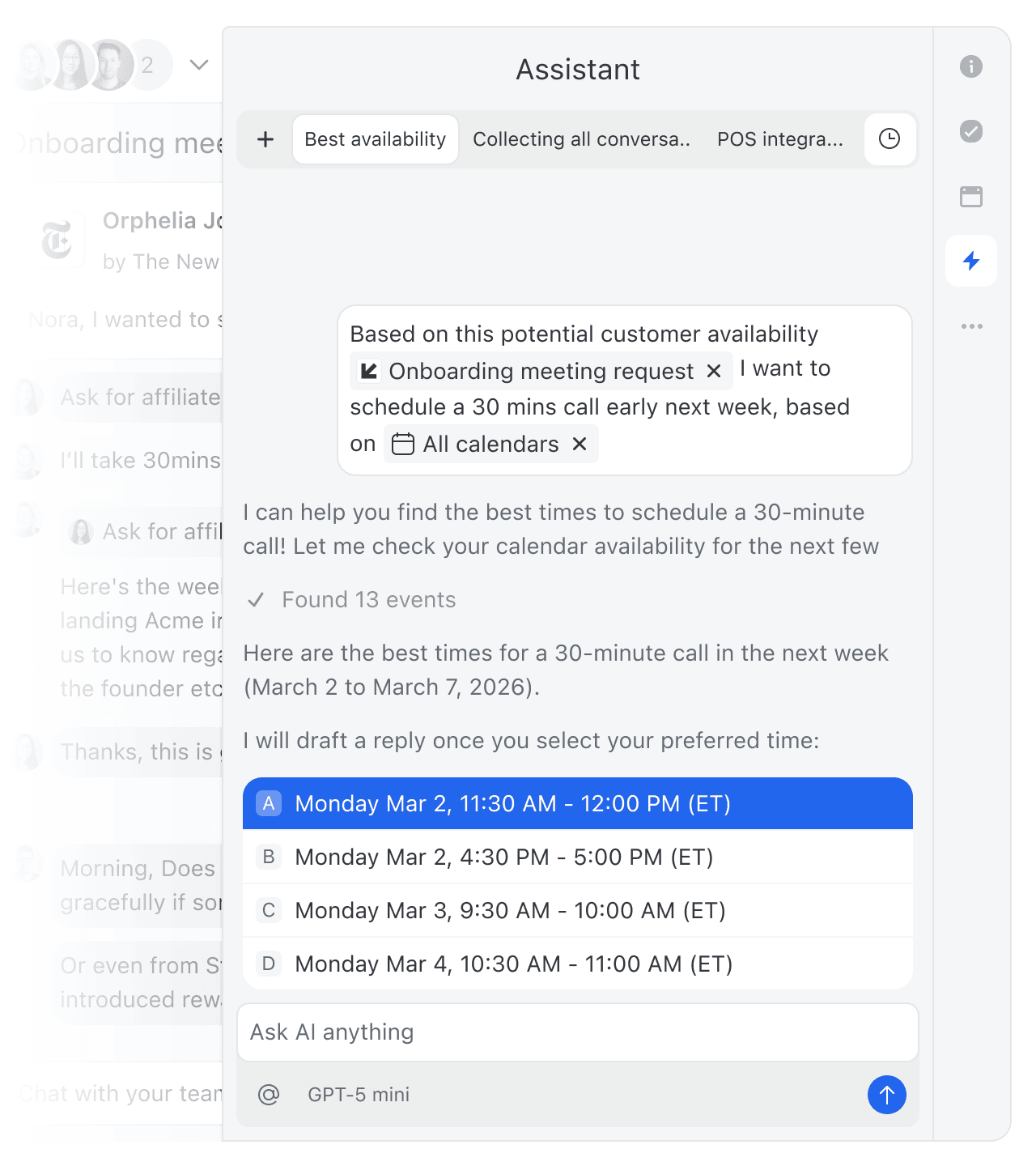
There's a new Assistant in your inbox. Ask it to draft a reply in your tone, find any email, check your calendar for availability, or look up a contact; all without leaving the conversation. Register for our live Assistant Demo this Thursday at 12pm EST.
AI Quick Actions [Beta]
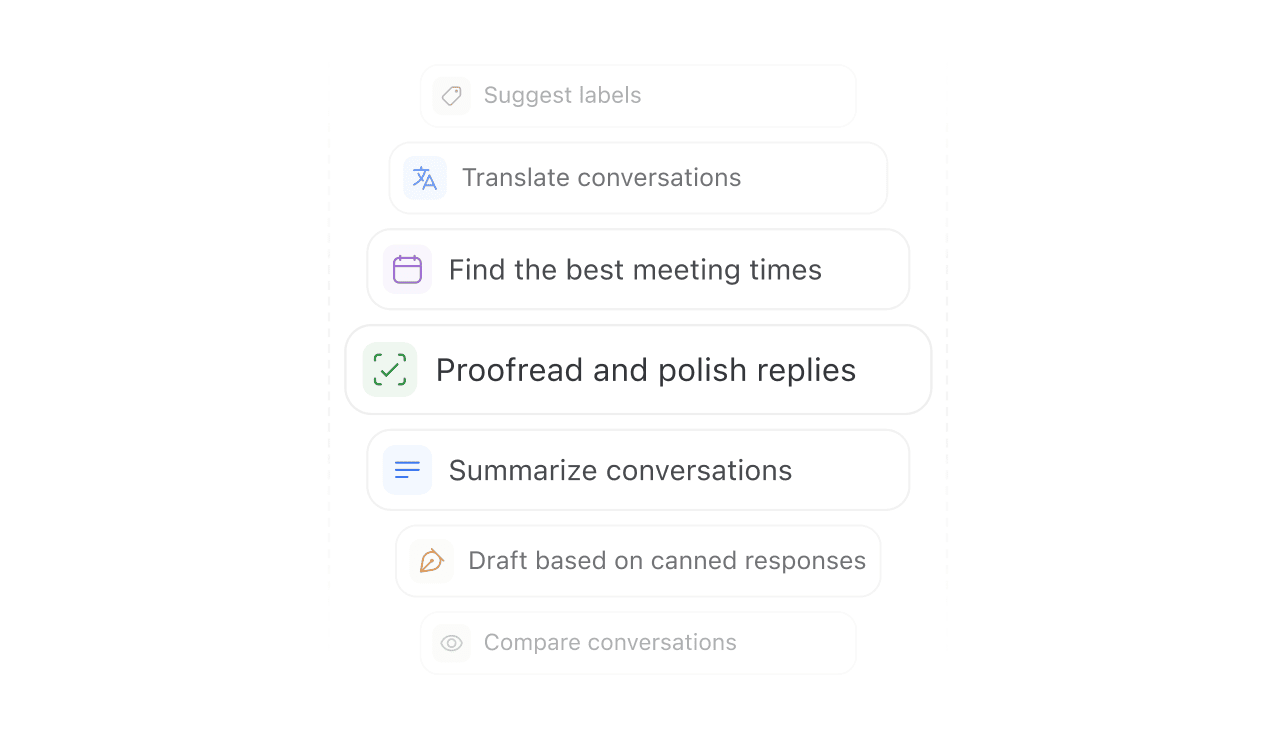
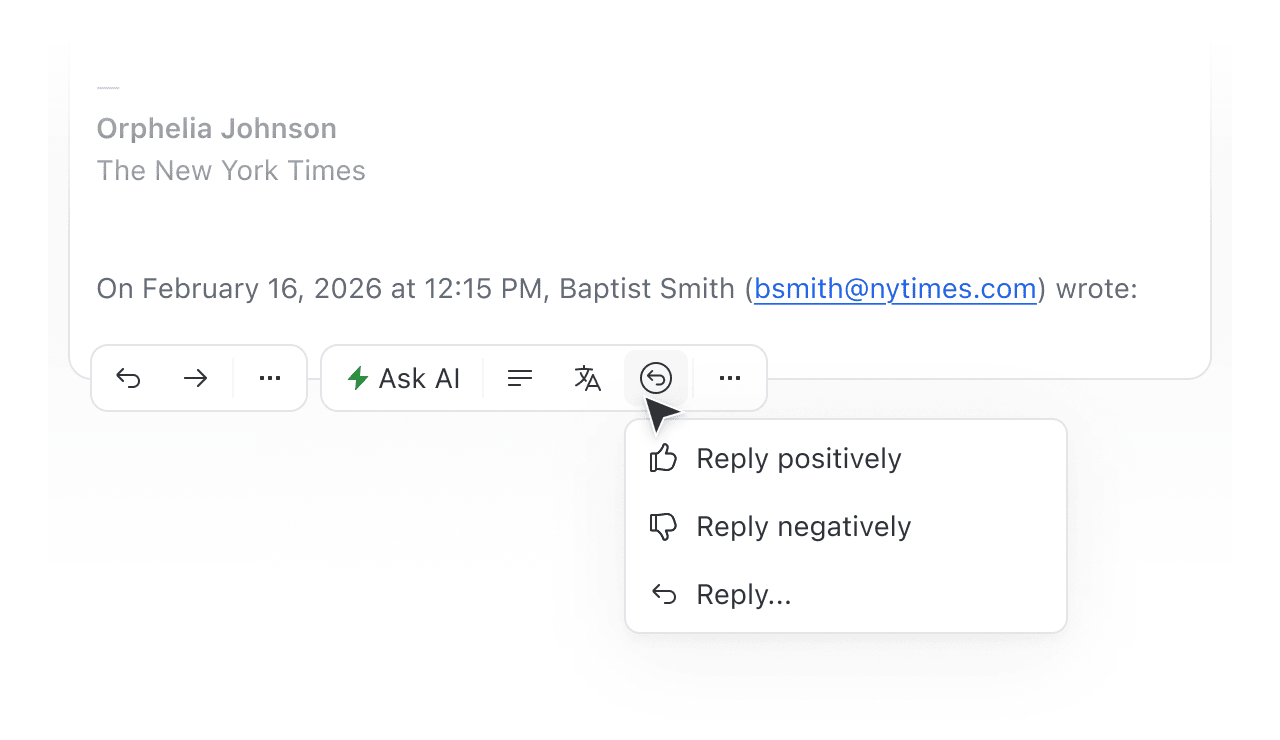
For tasks you repeat often, fix grammar, translate, summarize a thread—Quick Actions run on any message or draft in one click. Results now open in the AI modal or sidebar instead of overwriting your content.
Multiple AI providers
Claude by Anthropic and Gemini by Google are now available alongside ChatGPT by OpenAI. Pick the model that works best for you or your team.
AI Settings
All AI settings, prompts, and instructions are now consolidated in a single place: Settings → AI.
If you want to use AI within Missive, you'll have add one of the AI providers as an integration and enter in your API key (from that provider). If you don't want to use AI within Missive, simply do not add it as an integration.
- Automatically focus label input on tablets when applying a label
- Team avatar emoji sizing in menus
- Resize videos to fit on screen
- Update outdated UI icons
- Fixed
Shift+Entermoving the cursor down instead of inserting new blank lines in comment box - Conversation icon being squished in command bar recent conversations list
- Undoing trash not restoring the conversation to the team inbox
- Tasks button in windowed conversations not responding to clicks
- Sending a Gif via Giphy not using the pending quoted comment